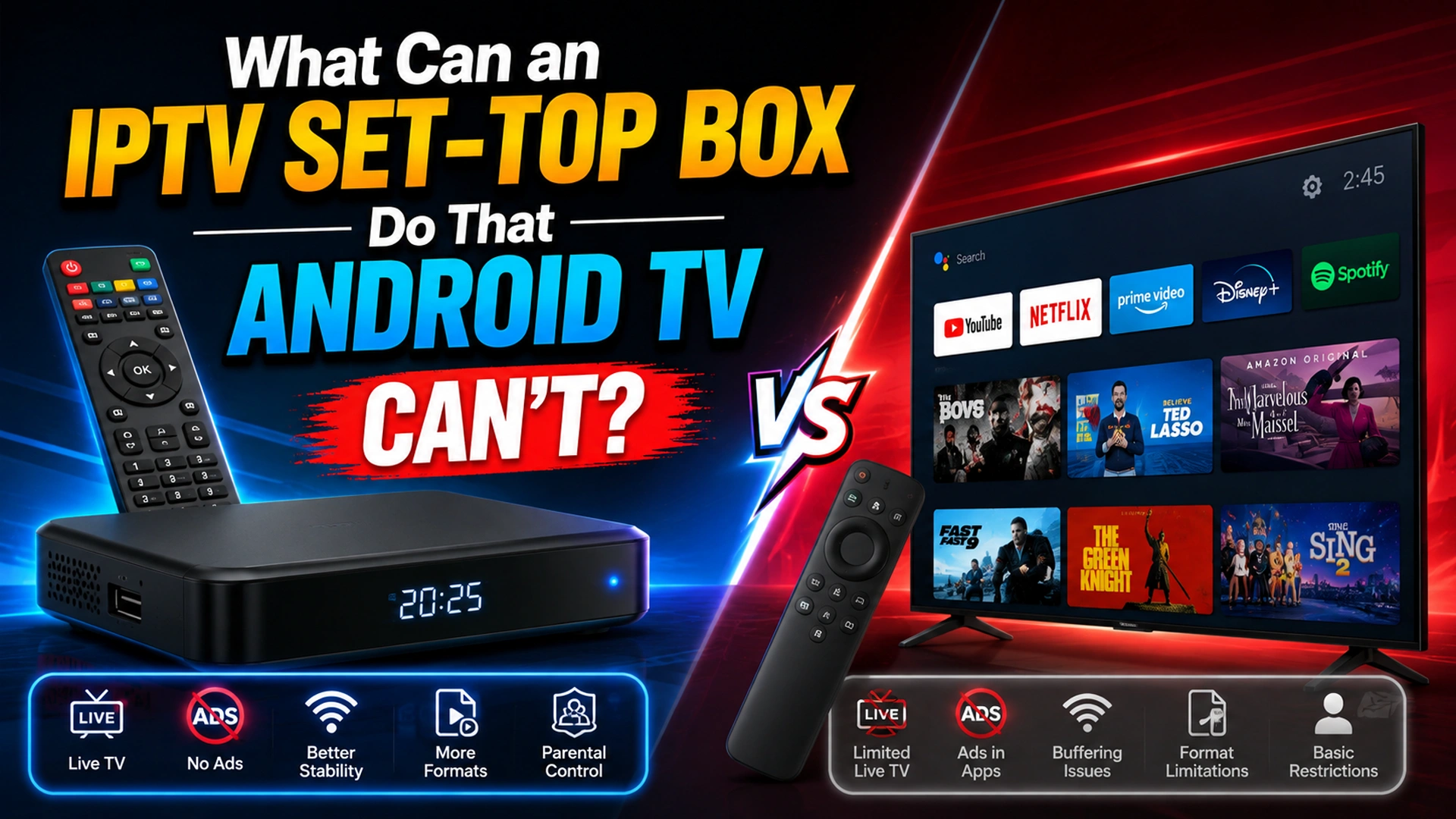
If you already have an Android TV, you may wonder why an IPTV provider would still offer a dedicated set-top box. After all, both devices can deliver live TV, video-on-demand, and other streaming content.
The difference is how they handle IPTV.
An Android TV device is a general-purpose entertainment platform designed to run apps. A dedicated IPTV set-top box is built around television delivery. It can be tightly integrated with an operator’s network, channel system, electronic program guide, conditional access, and remote control.
So, what can an IPTV set-top box do that Android TV cannot?
A dedicated IPTV box can provide deeper operator integration, managed network features, multicast IPTV support, specialized channel switching, and a more controlled TV experience. However, Android TV can be more flexible for users who want streaming apps, customization, and access to a broader entertainment ecosystem.
IPTV Set Top Box vs Android TV: Quick Comparison
An IPTV set-top box is mainly designed for stable, operator-managed live TV, while an Android TV box offers greater flexibility with apps, Google Play, and streaming services.
In short, IPTV boxes prioritize reliable live TV, whereas Android TV devices provide a broader streaming and app experience.
| Feature | Dedicated IPTV Set Top Box | Android TV |
|---|---|---|
| Operating System | IPTV set-top boxes usually run closed, customized Linux-based firmware designed and managed by the service provider. | Android TV runs Google’s certified TV operating system (or open-source Android). |
| App Installation | Traditional IPTV set-top boxes usually limit app installation to provider-approved portals. | Android TV supports apps through the Google Play Store and APK sideloading. |
| UI | IPTV boxes usually open directly to the TV guide or provider portal. | Android TV offers a flexible home screen with apps, recommendations, and streaming content. |
| Ecosystem & Casting | IPTV boxes generally focus on provider-supported TV services and features. | Android TV offers features like built-in Chromecast, Google Assistant, and broad media format support. |
| Channel switching | Optimized for live TV | Varies by app |
| Managed IPTV network | Strong support | Depends on provider and hardware |
| IP multicast | Can be supported natively | Depends on device, app, and network |
| Software flexibility | Lower | Higher |
The Key Difference: Dedicated IPTV Hardware vs General Purpose Android TV
The biggest difference is not simply hardware. It is the relationship between the device, IPTV software, and the network.
A traditional operator IPTV system can be designed as one complete ecosystem:
Provider network → IPTV platform → set-top box → television
The operator can control how channels are delivered, how the electronic program guide works, how subscribers authenticate, and which interactive features are available.
Android TV works differently:
Internet connection → Android TV → IPTV application → content service
This gives the user considerably more freedom. But it also means the IPTV experience depends on the specific application and service used.
A Dedicated IPTV Box Can Support Managed IPTV Networks
This is one of the biggest advantages of a dedicated IPTV set-top box.
Some telecommunications providers operate IPTV over their own managed networks. These networks can be engineered specifically for television traffic, rather than treating IPTV exactly like an ordinary internet application.
Depending on the operator’s architecture, IPTV may use technologies such as IP multicast and IGMP to efficiently distribute live channels. Research on IPTV architecture highlights the importance of IP multicast and IGMP snooping in managed IPTV networks.
Android TV does not automatically provide this same operator-level integration. A particular Android TV device may support some network features, but compatibility depends on the hardware, operating system, application, router, and IPTV provider.
Faster and More Consistent Live Channel Switching
A dedicated IPTV receiver is designed primarily around live television.
That means channel switching, channel lists, EPG navigation, and remote-control functions can be tightly integrated into the device.
For example, an operator’s set-top box may allow you to:
- Press channel up or down
- Enter a channel number
- Open the electronic program guide
- Switch between live channels
- Access catch-up TV
- Open VOD
- Return to recently watched channels
Android TV can provide many of these functions, but they are usually handled by an IPTV application rather than the operating system itself.
Expert advice: If your priority is traditional television behavior rather than app flexibility, a provider-supplied IPTV box can offer a more seamless experience.
Operator Features Can Be Built Directly Into the Box
A dedicated IPTV box can be configured specifically for a particular television service.
This allows providers to integrate features such as:
- Subscriber authentication
- Electronic program guides
- Video on demand
- Catch-up TV
- Cloud DVR
- Parental controls
- Pay-per-view
- Interactive television
- Account management
- Service notifications
Android TV can support many similar functions, but they generally need to be provided through applications or additional services.
This is why an Android TV device and an operator IPTV box can look similar on the outside while working very differently underneath.
IPTV Set Top Boxes Can Offer Better Provider Control
A dedicated set-top box gives the operator considerably more control over the viewing environment.
The provider may control:
- Supported software
- Firmware updates
- Channel configuration
- EPG presentation
- Remote-control functions
- Authentication
- DRM
- Network configuration
- Troubleshooting tools
This can be useful for telecommunications companies because they can standardize the experience across thousands or millions of subscribers.
Android TV is intentionally more open. Different manufacturers, applications, Android versions, and hardware configurations can create different experiences.
Dedicated IPTV Boxes Can Provide a Simpler User Experience
Not everyone wants to install applications, manage playlists, update software, or troubleshoot compatibility issues.
A provider-supplied set-top box can be almost plug-and-play:
- Connect the box to the TV.
- Connect it to the network.
- Sign in or allow the provider to activate it.
- Start watching television.
The channel guide, VOD library, account information, and other features can already be configured.
For elderly users or households that primarily watch live television, this simplicity can be more valuable than Android TV’s flexibility.
When Should You Choose an IPTV Set Top Box?
A dedicated IPTV box makes the most sense when:
- Your internet provider offers managed IPTV.
- You want traditional channel surfing.
- You rely heavily on live TV.
- You want an integrated EPG.
- You prefer a simple plug-and-play setup.
- Your provider specifically recommends its own receiver.
- You need operator-specific features such as catch-up TV or cloud DVR.
When is Android TV the Better Choice?
Choose Android TV when:
- You use several streaming services.
- You want multiple IPTV player options.
- You enjoy gaming.
- You want more customization.
- You frequently install new applications.
- You want one device for different entertainment services.
- Your IPTV service works reliably through a compatible application.
Can Android TV Replace an IPTV Set-Top Box?
Sometimes, but not always.
If your IPTV provider delivers its service through a standard IPTV application or supported M3U/Xtream Codes interface, Android TV may provide everything you need.
However, if your provider relies on a managed IPTV network, proprietary authentication, multicast delivery, specialized DRM, or operator-specific features, a standard Android TV device may not be a complete replacement.
The deciding factor is therefore not simply whether Android TV can play IPTV. It is how the IPTV service is delivered.
IPTV Set Top Box vs Android TV: Which Is Better?
There is no universal winner.
| Category | Better Option |
|---|---|
| Traditional live TV | IPTV set top box |
| Provider integration | IPTV set top box |
| Managed IPTV | IPTV set top box |
| Simple setup | IPTV set top box |
| Channel surfing | IPTV set top box |
| App selection | Android TV |
| Customization | Android TV |
| Gaming | Android TV |
| Multiple streaming services | Android TV |
| Multiple IPTV apps | Android TV |
Expert Verdict
A dedicated IPTV set-top box is better for a controlled, operator-managed television experience. Android TV is better for flexibility and a broader entertainment ecosystem.
The best option depends on the IPTV architecture behind the service. If your provider operates a managed IPTV network, its dedicated box may offer capabilities that a generic Android TV device cannot reproduce.
If your service works through a standard IPTV application, Android TV can provide considerably more freedom.
Frequently Asked Questions
-
What is an IPTV set top box?
An IPTV set top box is a dedicated device that receives television content over an IP network and displays it on a TV. Operator boxes can combine live TV, EPG, VOD, authentication, and other provider-specific features.
-
Is an IPTV box better than Android TV?
Not necessarily. An IPTV box is generally better for managed live television, while Android TV offers greater flexibility, application support, customization, and access to multiple entertainment services.
-
Can Android TV receive IPTV?
Yes. Compatible Android TV devices can run IPTV applications and access supported IPTV services.
-
Why do IPTV providers still use set-top boxes?
Dedicated boxes allow providers to control hardware, software, authentication, DRM, channel navigation, EPG, updates, and other parts of the television experience.
-
Does an IPTV box reduce buffering?
Not automatically. Buffering can be caused by the network, IPTV server, Wi-Fi, device performance, routing, or stream quality. A dedicated box can improve compatibility and stability in a properly designed managed IPTV system, but it cannot fix every network problem.
-
Does IPTV require a set-top box?
No. IPTV can be delivered to compatible Smart TVs, smartphones, computers, streaming devices, and other hardware through appropriate applications or services. A set-top box is required only when the particular IPTV service or network architecture depends on it.
Bottom Line
The biggest advantage of an IPTV set-top box is not simply that it can play television channels. It is that the hardware can be tightly integrated with the IPTV provider’s network and television platform.
That can mean better operator control, dedicated live-TV navigation, integrated EPG and VOD, specialized authentication, and support for managed IPTV technologies such as multicast.
Android TV takes the opposite approach: it gives viewers more freedom, more applications, and more customization.
So, if you want a traditional, provider-managed TV experience, a dedicated IPTV set-top box can make more sense. If you want flexibility and access to a wider entertainment ecosystem, Android TV is usually the more versatile option.
Your point of view caught my eye and was very interesting. Thanks. I have a question for you.
Thank you for your sharing. I am worried that I lack creative ideas. It is your article that makes me full of hope. Thank you. But, I have a question, can you help me?
Your point of view caught my eye and was very interesting. Thanks. I have a question for you.