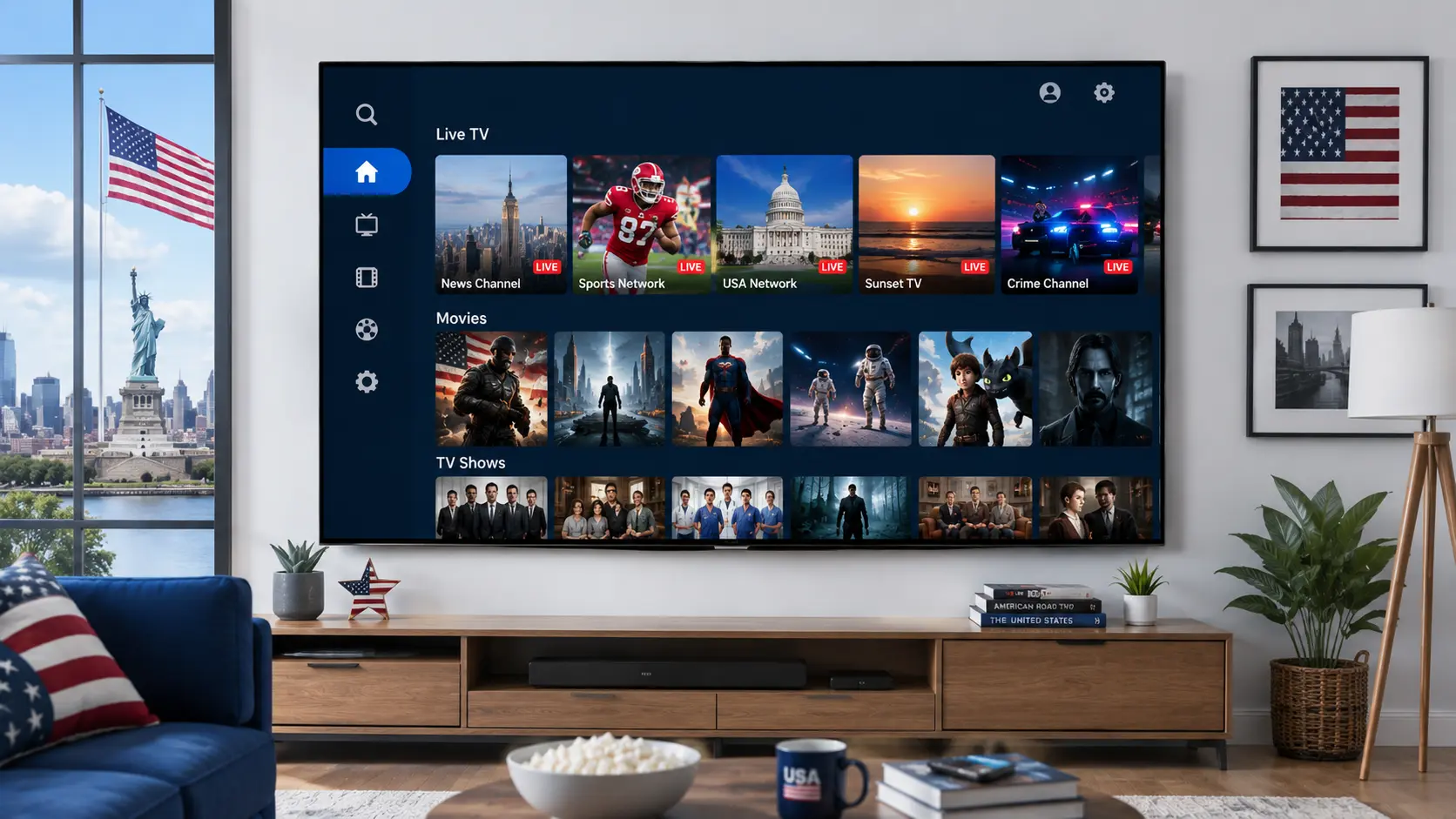
IPTV Smarters Pro is one of the most widely used IPTV player apps in the US. If you’ve started researching it, you’ve probably noticed the search results are a mix of setup tutorials, device forums, and vague warnings about legality — with no single place that ties it all together.
Here’s exactly what this guide covers:
- What it really is — the app vs. actual TV provider distinction almost nobody explains clearly
- Device-by-device setup — Firestick, Roku, Samsung, LG, Google TV, Apple TV, and Windows, covered
- Why people switch to it — the real advantages over juggling a separate app per provider
- The legal question, answered straight — no dodging it, plus fast FAQs for everything else
What Is IPTV Smarters Pro?
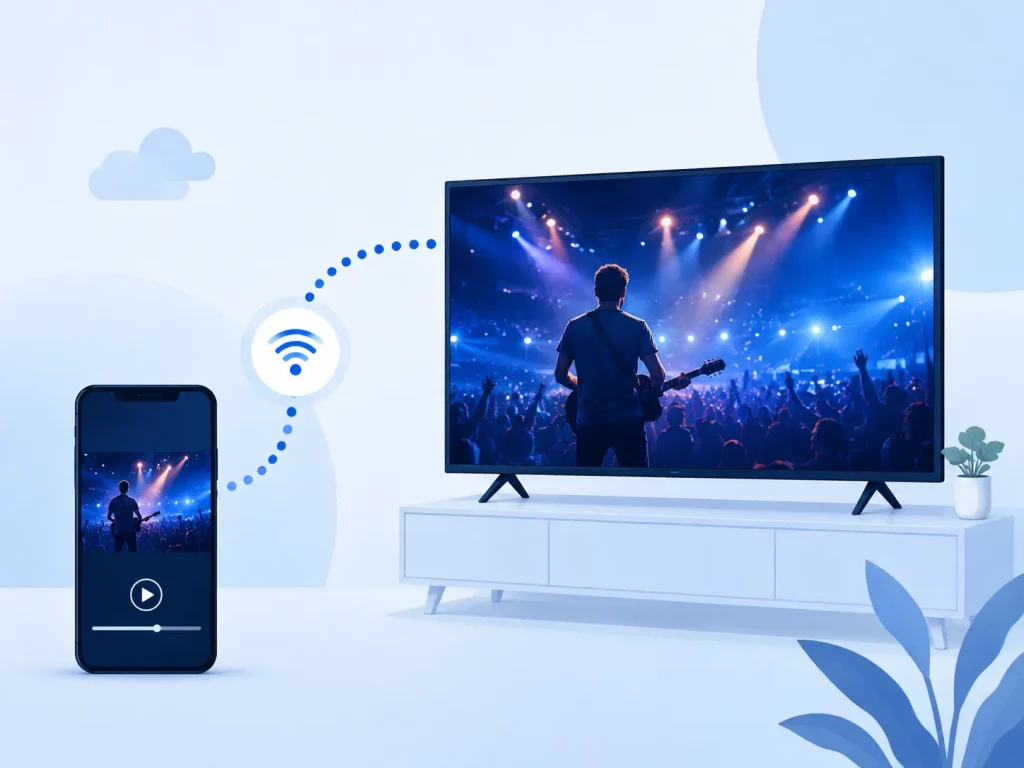
IPTV Smarters Pro is a media player, not a content provider — this is the single most important thing to understand before using it. It works the same way VLC or Kodi does: it doesn’t own or supply any channels itself, it simply plays video streams sent to it over the internet. To use it, you enter connection details from an IPTV subscription you’ve signed up for separately — usually a server URL, username, and password, or an M3U playlist link. Once connected, the IPTV Smarters Pro application organizes those channels into a TV-friendly layout, complete with an EPG (program guide), catch-up TV, and a VOD (video-on-demand) section.
A lighter, free version called IPTV Smarters Player also exists, but Smarters Pro is the upgraded build with a more polished interface and more customization options — which is why it’s the version most people search for by name. Because several similarly named apps exist across app stores, it’s worth double-checking the developer name before installing. You can compare current listings directly on Google Play or the Apple App Store rather than relying on a third-party download link.
How IPTV Smarters Pro Works on Different Devices
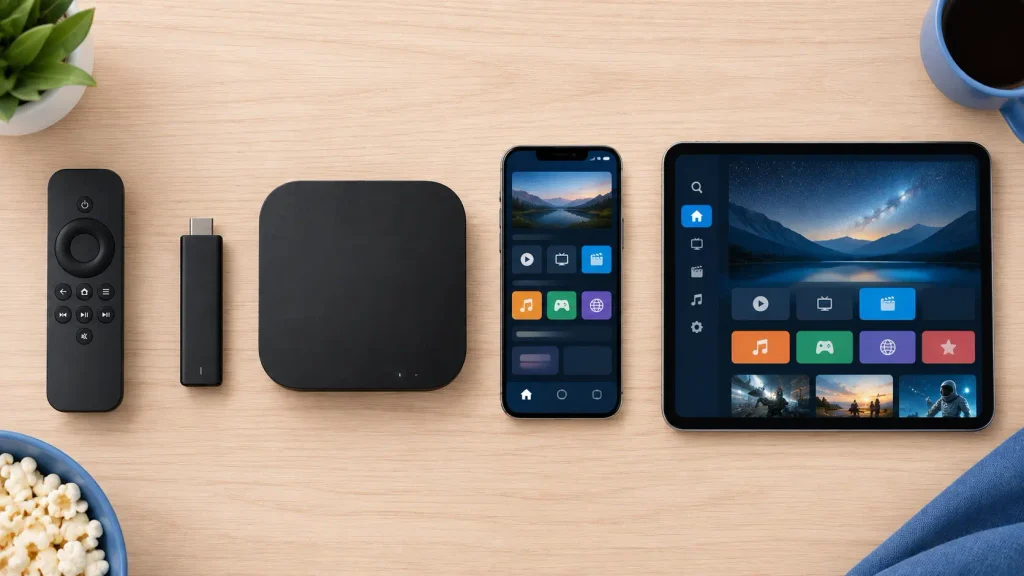
Setup follows the same basic pattern on every device — install the app, enter your provider’s login or scan an activation QR code, and your channel list populates automatically. What changes is the installation method itself, so here’s a quick breakdown by device:
- Amazon Firestick / Fire TV: Not always listed directly in the Amazon Appstore search, so most users sideload it using the Downloader app, then log in with their provider credentials.
- Android TV / Google TV: The smoothest setup of any platform — available directly on the Play Store and installs the same way on a Google TV streamer, Nvidia Shield, or any Android TV box.
- Samsung Smart TV: Not on Samsung’s native app store, so getting it running usually means sideloading through a compatible companion app or casting from another device.
- LG Smart TV: The least consistent platform — “not working on LG” is a common complaint, and many users switch to a Fire Stick or Android TV box instead.
- Roku: No native support at all, since Roku’s closed system blocks third-party APK installs. Most users rely on Roku’s own official screen mirroring feature to cast from a phone or PC.
- Apple TV / iOS: Distributed through the App Store with the same login flow as every other version — quick and self-contained.
- Windows / PC: A desktop build mainly used for managing playlists and previewing channels on a larger screen before pushing the setup to a TV device.
Advantages and Benefits of Using IPTV Smarters Pro
The main appeal of IPTV Smarters Pro is that it consolidates everything into one interface instead of forcing you to juggle a separate app for every provider you use, which matters more the more devices and providers you’re managing at once.
- Single app, unified channel list — no need to switch between multiple provider apps just to browse what’s on.
- Cross-device login — the same credentials work on your phone, TV, and PC without separate setup each time.
- Built-in EPG and catch-up TV — see what’s currently airing and rewind shows you missed without a separate DVR.
- Multi-screen streaming — some subscription plans support several simultaneous connections under one account.
- Free to download — the app itself costs nothing; the only recurring cost is the IPTV subscription you connect it to.
- Customizable interface — includes parental controls, favorites, and playlist organization tools built in.
Is IPTV Smarters Pro Legal and Safe to Use?
This is the question most people are actually trying to answer, and it has two separate parts that shouldn’t be confused with each other. The app itself is completely legal — it’s just a video player, functionally no different from a web browser, and it doesn’t host, store, or distribute any content on its own.
Whether IPTV is legal in your specific case depends entirely on the provider whose content you load into it. Using it with a licensed IPTV service is no different from using a legitimate app like Hulu or YouTube TV, while using it to access unauthorized streams of copyrighted cable, satellite, or sports broadcasts is piracy — and that risk sits with the content source, not with the player app itself. The FTC’s consumer guidance on illegal streaming apps is a useful reference here, since it outlines the real risks tied to unlicensed streaming sources — malware, compromised payment information, and exposure to scam operators — separate from any question about the player app.
For safety, only connect the app to providers that are transparent about their content licensing, treat “free IPTV codes” or shared free accounts from unknown sources as a red flag, and use a VPN only for privacy or connection stability, never as a way to mask access to unlicensed streams.
Choosing a Provider to Use With the App
The app is only as good as the subscription behind it, so a few checks before you commit save most people the headaches they’d otherwise search for later. A legitimate provider will let you see channel lists and pricing before you pay, offer a short trial or money-back window, and provide real customer support rather than a single anonymous contact form. Pricing that looks far below the 15–30/month range typical for legal services is usually a sign the channels aren’t properly licensed, and that gap is where most of the “is IPTV safe” concerns actually originate. Reading independent reviews, checking how long a provider has been operating, and confirming they publish a real business address are quick ways to filter out short-lived, unreliable services before you hand over payment details.
Frequently Asked Questions
What is IPTV Smarters Pro?
A free player app that streams live TV, VOD, and catch-up content from a provider you subscribe to separately.
Can I get IPTV Smarters Pro for free?
Yes, the app download is free — only the IPTV subscription you connect it to costs money.
How much does IPTV cost per month?
Legitimate US subscriptions typically run 15–30/month depending on the channel package.
Is IPTV legal?
The technology itself is legal; legality depends on whether the provider actually has rights to the channels it sells.
Does IPTV have Netflix for free?
No — IPTV means live cable-style channels, a different category from on-demand platforms like Netflix.
Is IPTV a safe app?
The app itself is safe; risk almost always comes from the provider, not the player.
Is a VPN needed for IPTV?
Not required, but many use one for connection stability, throttling, or privacy.
Does IPTV Smarters Pro provide channels on its own?
No — it’s a player, not a broadcaster. Without a connected service or playlist, there’s nothing to watch.
Can I use IPTV Smarters Pro on a smart TV?
Depends on the brand. Android TV and Google TV support it natively; Samsung and LG don’t, so you’ll need a workaround.
Why does IPTV Smarters Pro keep buffering?
Usually it’s not the app — weak Wi-Fi, network congestion, or an overloaded server on the provider’s end is the more likely cause.
Do I need an active subscription to use the app?
Yes. Live TV, VOD, and catch-up all require a connected IPTV service — the app has no content of its own.
Can IPTV Smarters Pro replace my cable subscription?
For some households, yes, paired with a licensed provider. It comes down to channel lineup, internet reliability, and price.
Why isn’t my program guide (EPG) updating?
The EPG pulls from your provider’s feed, not the app. If it’s stuck, the fix sits with the provider, not with Smarters Pro.
The Bottom Line
IPTV Smarters Pro is a legitimate, well-built player app that solves a real problem — too many separate apps for too many providers. Whether your experience with it is smooth and fully legal comes down entirely to the provider you connect it to, so that decision, not the app itself, is where your research time is best spent.
Have you used IPTV Smarters Pro on your TV or streaming device? Drop a comment below with what worked (or didn’t) on your setup — it’ll help others figure out the right approach for their own device.
Thank you for your sharing. I am worried that I lack creative ideas. It is your article that makes me full of hope. Thank you. But, I have a question, can you help me?
I don’t think the title of your article matches the content lol. Just kidding, mainly because I had some doubts after reading the article.
I really like reading through a post that can make men and women think. Also, thank you for allowing me to comment!
Your article helped me a lot, is there any more related content? Thanks!
Thanks for sharing. I read many of your blog posts, cool, your blog is very good.