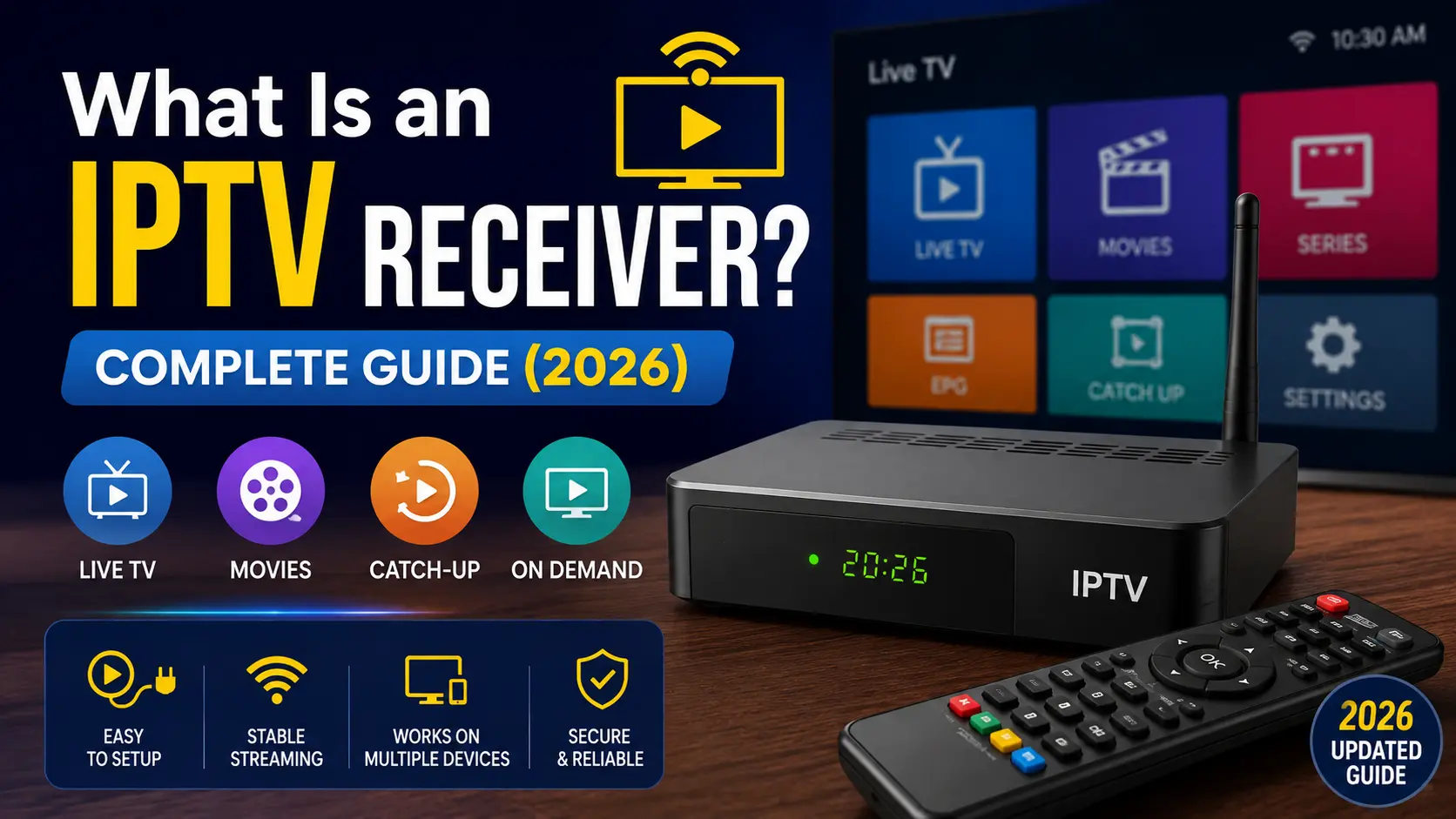
An IPTV receiver (or set-top box) is a device that receives television content over an IP network and displays it on your TV for viewing. It can decode live TV, video-on-demand (VOD), electronic program guides (EPGs), and other digital content.
In many IPTV setups, the receiver is a set-top box (STB) connected to the TV via HDMI and to the network via Ethernet or Wi-Fi. Some IPTV receivers also include storage, recording, app support, and other smart TV features.
In this article, I’ll thoroughly discuss IPTV receiver, its task, how it works, common types of receivers, and more. Let’s stick to the end to learn about IPTV set-top boxes thoroughly.
What is an IPTV Set-top Box?
An IPTV set-top box is a physical device that connects your TV and internet network to receive live television and video-on-demand (VOD) content over an IP network. It converts digital IPTV streams into video that your TV can display.
The top receivers include – Formuler Z11 Pro Max, BuzzTV Gen 5 Series, Infomir MAG 544w3, onn. 4K Pro, etc.
How It Works
- Connection: Connects to your router through Ethernet or Wi-Fi and to your TV via HDMI.
- Decoding: Receives compressed IPTV data packets and decodes them into video and audio for your TV.
- Interface: Displays a channel guide, EPG, VOD library, or provider portal for browsing and playback.
- Streaming Control: The box can also handle functions such as channel switching, buffering, authentication, and playback controls, depending on the service and device.
Types of IPTV Devices
Dedicated IPTV Boxes: Devices such as MAG and Formuler boxes are designed for IPTV services and often support provider portals, EPGs, and dedicated TV interfaces.
Android & General Streaming Boxes: Devices such as NVIDIA Shield, Google TV, and Amazon Fire TV run broader operating systems and can support compatible IPTV player apps.
Smart TV Apps & Streaming Sticks: A separate IPTV box is not always required. Compatible Smart TVs, Fire TV Sticks, and other streaming devices can run IPTV apps directly.
What Does an IPTV Receiver Do?
The main job of an IPTV receiver is to receive, decode, and display video delivered through an IP network.
A typical setup works like this:
IPTV service → Internet or managed IP network → IPTV receiver → TV
The receiver connects to the IPTV platform, receives the selected stream, decodes the audio and video, and displays it on the television.
IPTV Receiver vs IPTV Player
These terms are often confused, but they are not exactly the same.
| Feature | IPTV Receiver | IPTV Player |
|---|---|---|
| What it is | Physical device | Software or app |
| Main purpose | Receives and decodes IPTV streams | Plays IPTV streams |
| Connection | Ethernet or Wi Fi | Uses the device’s internet connection |
| TV output | Usually HDMI | Depends on the host device |
| Examples | IPTV set-top box, Android TV box | IPTV apps, media players |
| Storage | May be available | Uses host device storage |
| Best for | Dedicated TV setup | Flexible multi-device viewing |
Simple answer: An IPTV receiver is hardware. An IPTV player is software.
How Does an IPTV Receiver Work?
Unlike traditional cable or satellite TV, IPTV uses an interactive client-server model. Instead of receiving every channel continuously, your IPTV device requests the selected channel or VOD content from the provider’s streaming server.
- The Request: When you select a channel or movie, the IPTV receiver sends a request to the provider’s server for that content.
- The Transmission: The server delivers compressed video as small data packets over the IP network. Live TV may use multicast for multiple viewers, while VOD typically uses unicast for individual playback.
- The Decoding: Your IPTV receiver reassembles and decodes the incoming packets, then converts them into synchronized audio and video for your TV.
- The Playback: A short buffer helps maintain smooth playback when network conditions fluctuate, while the device continuously receives new data during streaming.
What Can You Watch With an IPTV Receiver?
The available content depends on the IPTV provider and your subscription.
An IPTV receiver may support:
- Live TV channels
- Sports channels
- News
- Movies
- TV series
- Video on demand
- Catch-up TV
- Electronic program guides
- Regional channels
- International channels
The receiver itself does not automatically provide TV channels. You need a compatible and authorized IPTV service or content source.
Common Types of IPTV Receivers
There are several types of devices used for IPTV streaming.
Dedicated IPTV Set Top Boxes
These devices are designed mainly for television services. They are common with telecom operators and managed IPTV platforms.
They often provide:
- Live TV
- EPG
- VOD
- Channel controls
- Parental controls
- Recording features
Android TV Boxes
Android TV boxes can work as IPTV receivers when they support a compatible IPTV application.
They offer more flexibility because users can install different apps and use services beyond IPTV.
Smart TV Receivers
Some Smart TVs have IPTV applications built in or available through their app stores. In this case, the TV itself performs many of the functions normally handled by a separate receiver.
IPTV Receiver vs Android TV Box
An IPTV receiver and Android TV box can look similar, but their purpose can be different.
| Category | IPTV Receiver | Android TV Box |
|---|---|---|
| Primary purpose | IPTV and TV services | General smart TV use |
| IPTV support | Usually built in | Usually through an app |
| App flexibility | Depends on device | Generally higher |
| VOD | Often supported | Supported through apps |
| EPG | Common | Depends on IPTV app |
| Other streaming apps | Limited on some models | Broad support |
| Best for | Dedicated IPTV users | Flexible streaming |
If you only need a managed IPTV service, a dedicated receiver may be simpler. If you want Netflix, YouTube, IPTV apps, games, and other services, an Android TV device can offer greater flexibility.
Does an IPTV Receiver Need the Internet?
Usually, yes.
IPTV relies on IP networks to deliver video content. Without a network connection, a receiver generally cannot access live IPTV streams or online VOD services.
However, some receivers may support local media playback or recorded content without an active internet connection.
Why Are IPTV Receivers Still Used?
Streaming apps have reduced the need for traditional set-top boxes in many homes. However, receivers remain useful in managed IPTV environments.
They can provide a consistent interface, centralized service management, EPG support, channel controls, and easier deployment across multiple TVs.
This is especially relevant for telecom operators, hotels, hospitals, universities, and business IPTV systems.
IPTV Receiver Market and Internet Connectivity
The wider shift toward IP-based video is supported by the growth of global internet access.
That does not mean all internet users watch IPTV. It does show how widely IP networks have become part of modern media delivery.
How to Choose an IPTV Receiver
Before buying an IPTV receiver, check these factors:
- IPTV compatibility: Make sure it supports your IPTV platform or player.
- Video quality: Check whether it supports HD, Full HD, or 4K playback.
- Network connection: Ethernet is useful for stable high bitrate streaming.
- EPG support: An electronic program guide makes live TV easier to browse.
- Storage: Consider storage if you need recording or local media playback.
- Operating system: Android TV offers more app flexibility than many dedicated receivers.
- Updates: Choose a device with regular firmware and security updates.
- Remote control: A responsive remote makes a big difference for everyday TV use.
Are IPTV Receivers Legal?
An IPTV receiver is generally just a piece of hardware. Its legality depends on how it is used and what content is accessed.
Using a receiver with an authorized IPTV provider or licensed content service is different from using it to access copyrighted channels without permission.
Always check the content rights and IPTV regulations that apply in your country.
Frequently Asked Questions
-
What is an IPTV receiver?
An IPTV receiver is a device that receives television streams over an IP network, decodes them, and displays them on a TV.
-
Is an IPTV receiver the same as a set-top box?
In many IPTV setups, yes. An IPTV receiver is commonly provided as a set-top box that connects the IPTV service to the television.
-
Can I use an Android TV box as an IPTV receiver?
Yes. An Android TV box can function as an IPTV receiver when you install a compatible IPTV player or service application.
-
Does an IPTV receiver need Wi Fi?
Not always. Many receivers support Ethernet, while others also support Wi Fi. Ethernet is often preferred for a stable connection.
-
Does an IPTV receiver provide channels by itself?
No. The receiver needs a compatible IPTV service or content source. The device itself does not create or supply television channels.
-
Is IPTV better than cable TV?
It depends on the service. IPTV can offer features such as VOD, interactive guides, multi-device access, and flexible content delivery. Cable may be simpler in areas with strong traditional TV infrastructure.
Final Takeaway
An IPTV receiver is the link between an IP-based television service and your TV. It receives the stream, decodes the content, and provides features such as live TV, VOD, EPG, and channel management.
For a simple dedicated setup, an IPTV set-top box can be a good choice. For greater app flexibility, an Android TV device may be more suitable. The best option depends on your IPTV service, devices, network, and viewing needs.
Your point of view caught my eye and was very interesting. Thanks. I have a question for you.
Can you be more specific about the content of your article? After reading it, I still have some doubts. Hope you can help me.
Thank you for your sharing. I am worried that I lack creative ideas. It is your article that makes me full of hope. Thank you. But, I have a question, can you help me?
I don’t think the title of your article matches the content lol. Just kidding, mainly because I had some doubts after reading the article.
Your point of view caught my eye and was very interesting. Thanks. I have a question for you.