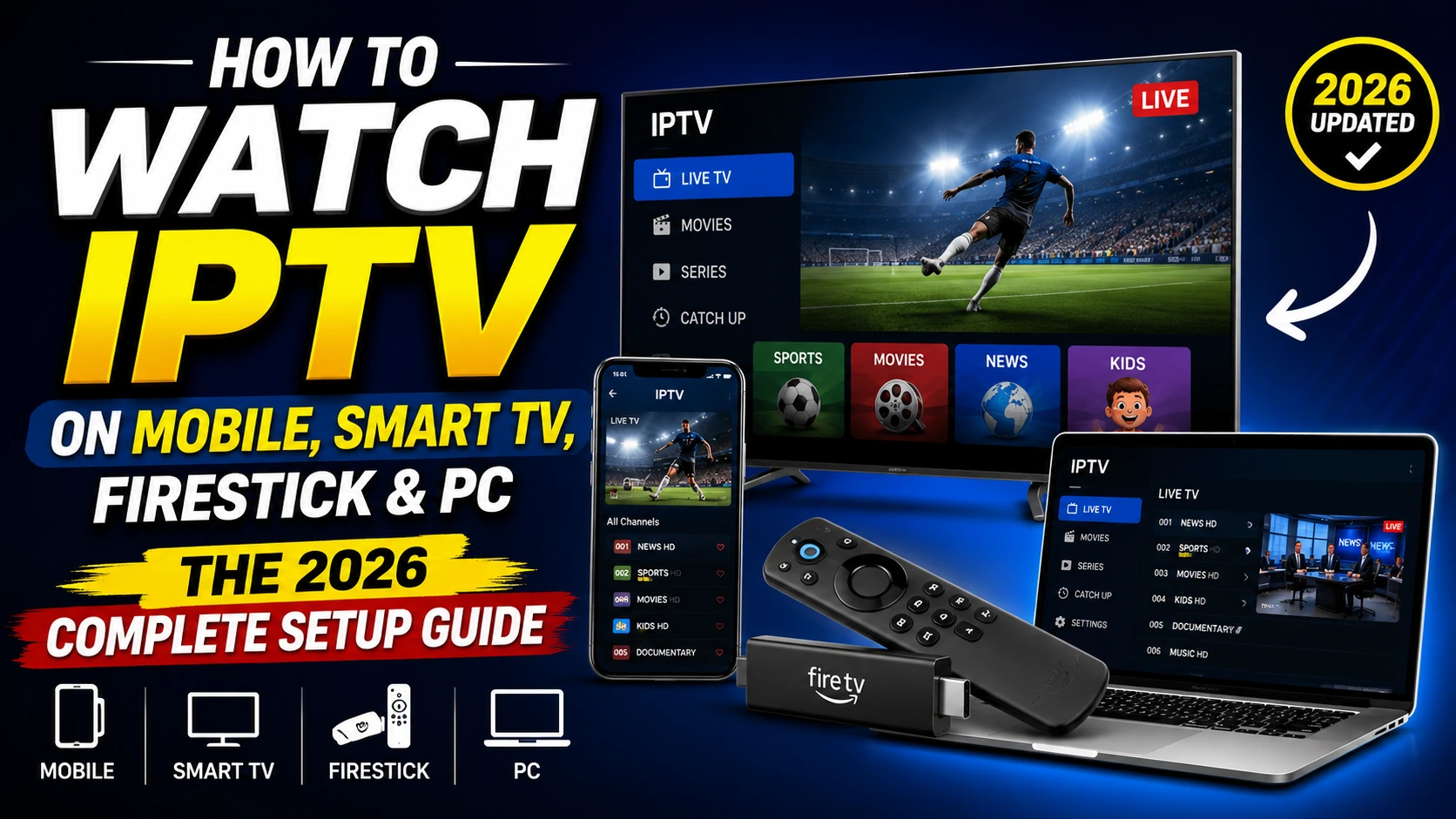
To watch IPTV on mobile, install an IPTV player app like IPTV Smarters Pro, TiviMate, or GSE Smart IPTV from the Google Play Store (Android) or Apple App Store (iPhone).
Open the app, add your M3U URL or Xtream Codes login from your IPTV provider, and start streaming live TV, movies, and series.
The same method works on Firestick, Smart TVs, and PCs with the right player app for each platform.
What You Need Before You Start
Three things, on every device:
- An active IPTV subscription with an M3U URL or Xtream Codes login (server URL, username, password)
- A stable internet connection of at least 20 Mbps for HD, 50 Mbps+ for 4K
- A compatible IPTV player app for your device (covered below)
You do not need a smart TV. You do not need a Firestick. Any modern phone, tablet, computer, or TV streaming device can run IPTV.
Best IPTV Apps by Device (2026)
| Device | Best App | Where to Get It | Cost |
|---|---|---|---|
| Android phone or tablet | IPTV Smarters Pro | Google Play Store | Free |
| iPhone or iPad | GSE Smart IPTV or IPTV Smarters | Apple App Store | Free |
| Amazon Firestick | IPTV Smarters Pro or TiviMate | Sideload via Downloader | Free |
| Android TV or Google TV | TiviMate | Google Play Store | Free+Premium |
| Apple TV | IPTV Smarters | Apple TV App Store | Free |
| Samsung Smart TV | Smart IPTV or SS IPTV | Samsung Apps | Free+Activation fee |
| LG Smart TV | SS IPTV | LG Content Store | Free |
| Windows PC | VLC or IPTV Smarters | Official sites | Free |
| Mac | IPTV Smarters or VLC | Official sites | Free |
How to Watch IPTV on Mobile (Android & iPhone)
This is the most common setup in 2026. Both methods take under three minutes.
Watch IPTV on Android Phone or Tablet
- Open the Google Play Store on your Android device.
- Search for IPTV Smarters Pro (or another player from the table above).
- Tap Install, then Open.
- Choose Login with Xtream Codes API or Load Your Playlist or File/URL.
- Enter your M3U URL or Xtream Codes (server URL, username, password).
- Tap Add User or Save. The app loads your channels.
- Start watching.
Pro tip from testing: Inside IPTV Smarters Pro on Android, go to Settings, then Player Selection, and set your default to ExoPlayer. ExoPlayer handles adaptive bitrate switching better than the built-in player, which means fewer buffering interruptions when your signal fluctuates.
Watch IPTV on iPhone or iPad
- Open the App Store on your iOS device.
- Search for GSE Smart IPTV or IPTV Smarters.
- Tap Get and wait for the install.
- Open the app and choose your login method.
- Paste your M3U URL or enter Xtream Codes details.
- Save and start watching.
iOS-specific note: Apple is stricter than Google about IPTV apps. Some apps appear and disappear from the App Store as Apple reviews them. If your first choice is unavailable, GSE Smart IPTV has been the most consistently available iOS option through 2025 and 2026.
How to Watch IPTV on Firestick (Sideload Method)
The Amazon App Store does not list most full-featured IPTV players, so you sideload them using the free Downloader app.
- Go to Settings, My Fire TV, Developer Options.
- Turn on Install Unknown Apps for Downloader.
- From the home screen, search for Downloader and install it.
- Open Downloader, type the official APK URL of your chosen player (IPTV Smarters Pro, TiviMate, or IPTV Stream Player) and press Go.
- Wait for the APK to download, then click Install.
- Click Done, then delete the leftover APK file to free space.
- Open the player and add your IPTV credentials.
Move the new app to your Firestick home row through Your Apps & Channels, then See All, then Move to Front, so it is easy to find.
How to Watch IPTV on Android TV and Google TV Boxes
Covers Nvidia Shield, Xiaomi Mi Box, Chromecast with Google TV, Onn Google TV, and most other Android-based streaming boxes.
- Open the Google Play Store on the device.
- Search TiviMate and install (or IPTV Smarters Pro if you prefer).
- Open the app and grant any permissions it requests.
- Choose Add Playlist and paste your M3U URL or Xtream Codes.
- Save and start watching.
TiviMate is the most polished IPTV player on Android TV and Google TV. The free version handles one playlist. TiviMate Premium unlocks recording, multiple playlists, and EPG enhancements through a yearly fee.
How to Watch IPTV on Samsung and LG Smart TVs
Smart TV setup is trickier than other devices because Samsung Tizen and LG webOS do not always carry full-featured IPTV players.
Samsung Smart TV (Tizen)
- Open the Samsung Apps store on your TV.
- Search Smart IPTV or SS IPTV. Install whichever is available.
- Open the app. It will show a MAC address.
- Visit the app’s activation portal on your phone or computer.
- Enter your TV’s MAC address and your M3U URL.
- Save. Your channels load on the TV.
LG Smart TV (webOS)
- Open the LG Content Store.
- Search for SS IPTV and install.
- Open the app and follow the same MAC address activation process as Samsung.
Reality check from testing: Native Smart TV IPTV apps have inconsistent updates, weaker EPG, and sometimes one-time activation fees. For most Smart TV owners, plugging a Firestick or Android TV box into HDMI gives a much better experience than the built-in app store route.
How to Watch IPTV on Apple TV
- Open the App Store on Apple TV (4th gen or newer).
- Search IPTV Smarters or GSE Smart IPTV.
- Install and open the app.
- Add your M3U URL or Xtream Codes login.
- Start streaming.
Apple TV gives some of the smoothest IPTV playback of any device thanks to the tvOS video pipeline. The downside is the limited number of IPTV apps available.
Pro Tips for the Best Mobile IPTV Experience
- Use 5G or strong WiFi rather than 4G LTE when streaming HD or 4K on mobile.
- Connect via an Ethernet adapter on Firestick and Android TV for the most stable experience.
- Set ExoPlayer as the default in IPTV Smarters Pro on Android.
- Disable battery saver mode on phones during IPTV streaming. It throttles the network and CPU.
- Use 5 GHz WiFi instead of 2.4 GHz when both are available on your router.
- Back up your M3U URL in a notes app. You will need it whenever you reinstall or switch devices.
- Restart the streaming device weekly. This single habit clears the cache buildup that causes most slowdowns.
Q & As on How to Watch IPTV on Mobile and Other Devices
-
What is IPTV and how does it work on mobile?
IPTV stands for Internet Protocol Television. It delivers live TV channels, movies, and series over the internet rather than through cable or satellite. On mobile, IPTV runs through a player app on your phone or tablet that connects to your subscription provider using an M3U URL or Xtream Codes login.
-
Which is the best IPTV app for mobile in 2026?
IPTV Smarters Pro is the most popular IPTV app for Android in 2026 because it supports M3U and Xtream Codes, includes EPG and recording, and is free. GSE Smart IPTV is the most reliable choice for iPhone users since it stays available on the Apple App Store consistently.
-
How much internet speed do I need to watch IPTV on a phone?
You need a minimum of 5 Mbps for SD, 15 Mbps for HD, and 25 Mbps or more for 4K IPTV streaming on a phone. Faster speeds reduce buffering and allow higher-quality streams when your network supports them.
-
Can I watch IPTV on my phone without a subscription?
Yes, free IPTV services like Pluto TV, Tubi, Plex, and Freevee work on mobile without a paid subscription. For most premium live TV channels and sports networks, a paid IPTV subscription from a licensed provider is required.
-
Is IPTV better on Android or iPhone?
Android offers more IPTV app choices and more flexibility because it allows sideloaded APKs and a wider range of player apps in the Play Store. iPhone offers smoother playback and a more polished interface, but fewer player apps. For most users, Android gives more options for IPTV viewing.
-
How do I stop IPTV from buffering on my mobile?
Switch from WiFi to a stronger network or 5G, set ExoPlayer as the default in your IPTV app, lower the stream quality from 4K to 1080p, close background apps, and restart your phone. If buffering persists, the issue is likely your IPTV provider rather than your device.
-
Can I watch IPTV on my phone while traveling abroad?
Yes, you can watch IPTV on your phone while traveling, but some providers geo-restrict access outside their region. A VPN with a server in your home country can restore access where permitted by local laws and the provider’s terms of service.
-
How do I cast IPTV from my phone to my TV?
Use the cast icon inside your IPTV app on Android to send the stream to a Chromecast or Google Cast device. On iPhone, use AirPlay to mirror to an Apple TV. For a more stable experience, install an IPTV app directly on your TV streaming device instead of casting.
Final Verdict: The Easiest Way to Watch IPTV in 2026
For most viewers, the easiest path is a Fire TV Stick 4K Max with IPTV Smarters Pro or TiviMate sideloaded through Downloader. It costs around $40 for the device, takes ten minutes to set up, and gives you a smooth experience on any TV with an HDMI port.
For mobile-only viewing, Android phones with IPTV Smarters Pro from the Play Store give the most flexibility and the strongest player options. iPhone users get a slightly more limited app selection but smoother native playback through GSE Smart IPTV.
For Smart TV owners, the honest recommendation is to skip the built-in TV app store and use a streaming stick instead. It costs less than a year of native app activation fees and gives you a far better experience.
Whatever device you choose, the formula is the same: stable internet, a trusted IPTV provider with a free trial to test first, the right player app, and your M3U or Xtream Codes login. That is the whole stack.
Thank you for your sharing. I am worried that I lack creative ideas. It is your article that makes me full of hope. Thank you. But, I have a question, can you help me?
Thank you for your sharing. I am worried that I lack creative ideas. It is your article that makes me full of hope. Thank you. But, I have a question, can you help me?
Your article helped me a lot, is there any more related content? Thanks!
Your point of view caught my eye and was very interesting. Thanks. I have a question for you.
Can you be more specific about the content of your article? After reading it, I still have some doubts. Hope you can help me.
I’m not that much of a internet reader to be honest but your blogs really nice, keep it up! I’ll go ahead and bookmark your site to come back in the future. Cheers.
Can you be more specific about the content of your article? After reading it, I still have some doubts. Hope you can help me.
I don’t think the title of your article matches the content lol. Just kidding, mainly because I had some doubts after reading the article.
I have read several good stuff here. Certainly worth bookmarking for revisiting. I wonder how much effort you put to make such a great informative site.