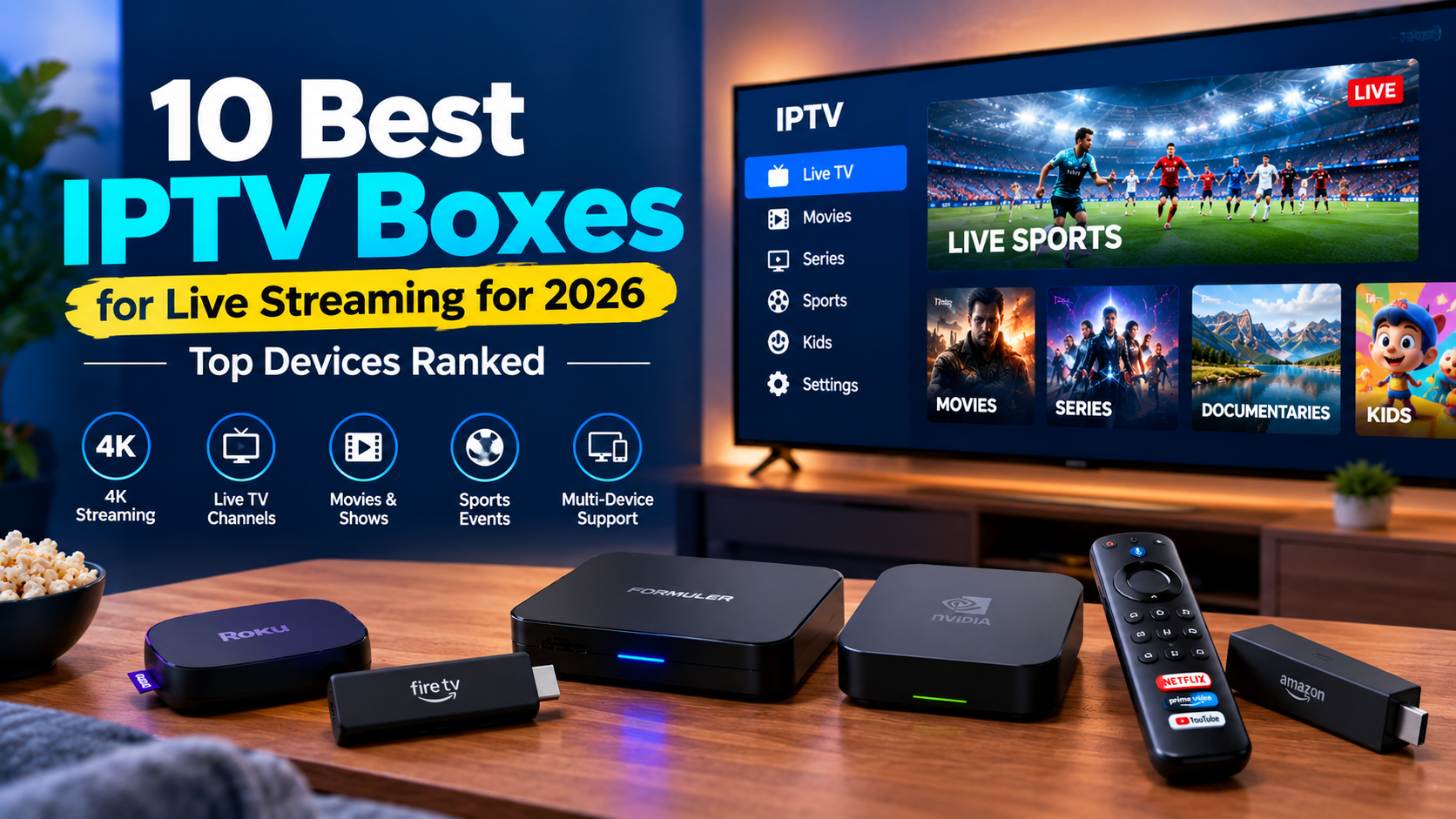
Choosing the right IPTV box can make live TV, sports, movies, PPV, and VOD easier to stream without slow apps or connection problems. But with Android TV boxes, Fire TV devices, Roku, MAG, and other streaming devices available, finding the right one isn’t always simple.
A good streaming box should deliver fast performance, 4K playback, stable Wi-Fi or Ethernet connectivity, and support for your preferred IPTV players and streaming apps.
In this guide, I compare the 10 best IPTV boxes for 2026 based on performance, picture quality, app compatibility, connectivity, ease of use, and overall value.
| Quick Answer: What Is the Best IPTV Box for 2026? The Formuler Z11 Pro Max is one of the strongest dedicated IPTV boxes because of its MYTVOnline 3 interface, 4 GB RAM, 32 GB storage, Gigabit Ethernet, Wi-Fi 6, and 4K HDR10+ support. The Fire TV Cube 3rd Gen is a better all-around choice for people who want IPTV apps plus Netflix, Prime Video, YouTube, and other mainstream streaming services. For a smaller and cheaper device, the Fire TV Stick 4K Max offers strong 4K performance without taking up much space. |
What Is an IPTV Box?
An IPTV box is a streaming device that connects your TV to internet-based television and video services.
Think of it as a small computer for your TV.
It connects to your television via HDMI and receives video over the internet rather than through a traditional cable or satellite connection. Depending on the device and service, you can use it for live TV, movies, sports, VOD, catch-up TV, and regular streaming apps.
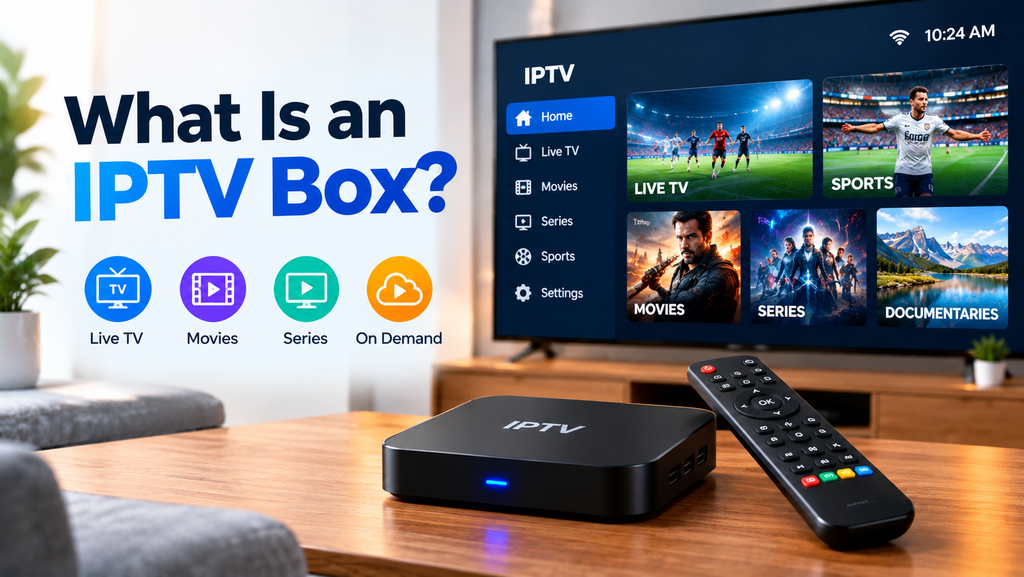
You may also see an IPTV box described as a set-top box (STB), digital media receiver, digital decoder, IP TV box, or streaming media player.
The hardware itself does not normally provide TV channels. You still need compatible apps and a legitimate streaming or IPTV service provider.
Benefits of Using an IPTV Box
An IPTV box can turn an older television into a much more capable streaming system.
The main benefits include:
- 4K streaming: Many modern boxes support 4K at 60 fps, HDR10+, Dolby Vision, or similar formats.
- More app choices: Android-based devices can support a wide range of media and IPTV applications.
- Better performance: Dedicated hardware can provide faster menus and app loading than some older Smart TVs.
- Ethernet support: Some boxes include Gigabit Ethernet for a more stable connection.
- Extra storage: Higher-end boxes offer more room for apps and media.
- Better remote controls: Voice search and programmable TV controls are available on many models.
- Longer TV life: You can upgrade your streaming experience without replacing the television.
An IPTV set-top box is especially useful if your current Smart TV is slow, lacks the apps you need, or receives limited software updates.
Best IPTV Boxes for 2026: Quick Comparison
| IPTV Box | Best For | Max Video | Storage | Connection | Operating System |
| Formuler Z11 Pro Max | Dedicated IPTV use | 4K 60fps | 32 GB | Wi-Fi 6 + Gigabit Ethernet | Android 11 |
| Fire TV Cube 3rd Gen | Best all-around streaming | 4K | 16 GB | Wi-Fi 6E + Ethernet | Fire OS |
| NVIDIA Shield TV Pro | Power users and Plex | 4K HDR | 16 GB | Wi-Fi + Gigabit Ethernet | Android TV |
| Formuler Z12 Pro | Newer Formuler experience | 4K 60fps | 16 GB | Dual-band Wi-Fi + Gigabit Ethernet | Android 12 |
| Google TV Streamer 4K | Google TV users | 4K 60fps | 32 GB | Wi-Fi + Gigabit Ethernet | Android TV OS |
| Fire TV Stick 4K Max | Compact streaming | 4K 60fps | 16 GB | Wi-Fi 6E | Fire OS |
| MECOOL KM7 Plus | Google TV on a budget | 4K | 16 GB | Wi-Fi + Ethernet | Google TV |
| BuzzTV XR4000 | Traditional IPTV interface | 4K | 16 GB | Dual-band Wi-Fi + Ethernet | Android 9 |
| MAG 524W3 | Portal-based IPTV | 4K | 4 GB | Dual-band Wi-Fi + Ethernet | Linux |
| Roku Streaming Stick 4K | Simple mainstream streaming | 4K | 4 GB | Long-range Wi-Fi | Roku OS |
10 Best IPTV Boxes for Live Streaming: Buyer’s Guide & Reviews
Let’s check the list of the top Internet Protocol TV Set-Top Boxes (STP) you should check before making the final decision:
1. Formuler Z11 Pro Max: Most Dedicated STP
Key features
- Android 11
- MYTVOnline 3
- 4 GB DDR4 RAM
- 32 GB internal storage
- 4K at 60 fps
- HDR10+
- AV1 and HEVC decoding
- Wi-Fi 6
- Gigabit Ethernet
- USB 3.0
- MicroSD expansion
The Formuler Z11 Pro Max is designed specifically for live TV and IPTV viewing more than most general streaming devices.
Its biggest advantage is MYTVOnline 3, Formuler’s own media viewing platform. It creates a TV-like interface for compatible IPTV services, rather than forcing users to jump between basic media player menus.
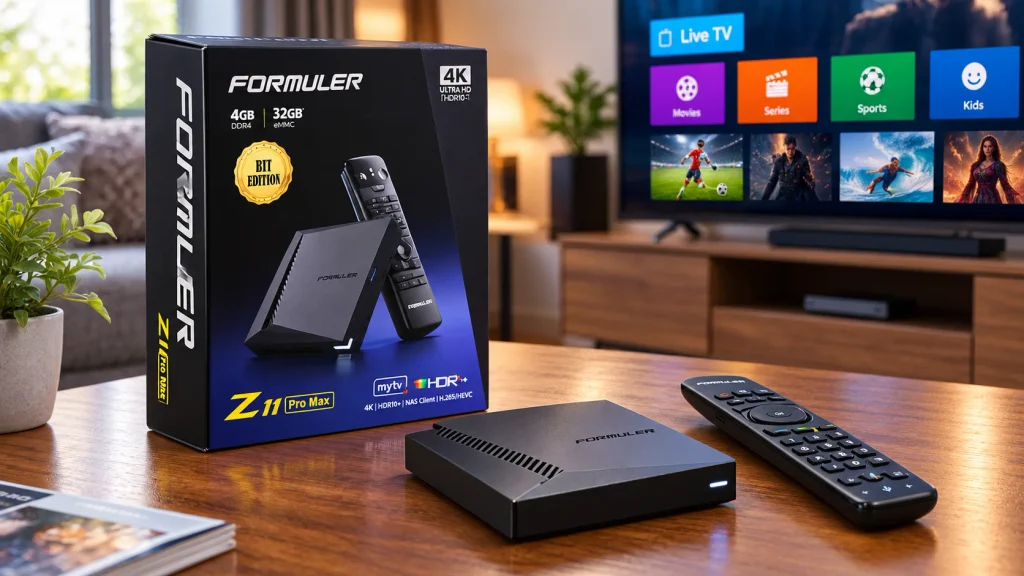
The hardware is also strong. Formuler lists 4 GB of DDR4 RAM, 32 GB eMMC storage, Android 11, Wi-Fi 6, Gigabit Ethernet, AV1 decoding, and 4K HDR10+ playback.
In a word, this is an Internet Protocol TV masterpiece! You just can’t ignore it! I’ve been using it for the past 2 years, and it is literally sensational! The smoothness, rich features, highly realistic color images — everything is outstanding.
Why Choose It?
Choose the Z11 Pro Max if IPTV is your main reason for buying a box and you want more advanced live TV controls than you normally get from a basic streaming stick.
Pros and Con
| Pros | Con |
| IPTV-focused interface | Some streaming services and features vary by region |
| Gigabit Ethernet | |
| USB and MicroSD expansion |
Price
Between $158 and $208 USD
2. Fire TV Cube 3rd Generation: Best All-Around Streaming Box
Key features
- Octa-core processor
- Wi-Fi 6E
- 4K Ultra HD
- Hands-free Alexa
- Dolby Vision
- HDR
- Dolby Atmos
- Built-in Ethernet
- Broad streaming app support
The Fire TV Cube 3rd Generation combines the flexibility of a streaming device with Amazon’s Alexa ecosystem.
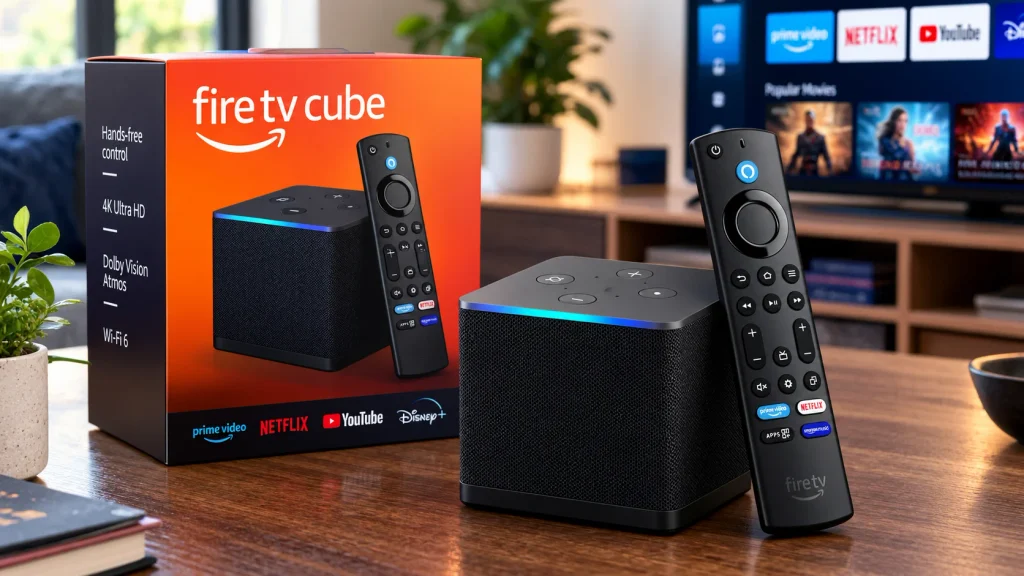
Amazon describes it as its fastest Fire TV streaming media player. Its octa-core processor and Wi-Fi 6E connection help apps open quickly and support smooth high-resolution streaming.
Unlike a small FireStick, the Cube is designed as a more complete home entertainment device.
Why Choose It?
Choose the Fire TV Cube if you want one device for IPTV apps, Netflix, Prime Video, YouTube, music, voice control, and general streaming.
Pros and Con
| Pros | Con |
| Fast processor | Larger than stick-style streaming devices |
| Alexa hands-free controls | |
| Large app ecosystem |
Price
Between $89.99 and $199.99
3. NVIDIA Shield TV Pro: Best for Power Users
Key features
- 4K HDR streaming
- Dolby Vision
- Dolby Atmos
- AI upscaling
- Two USB 3.0 ports
- Plex Media Server
- GeForce NOW support
- Expandable functionality
The NVIDIA Shield TV Pro remains one of the most capable streaming devices for users who want more than basic television streaming.
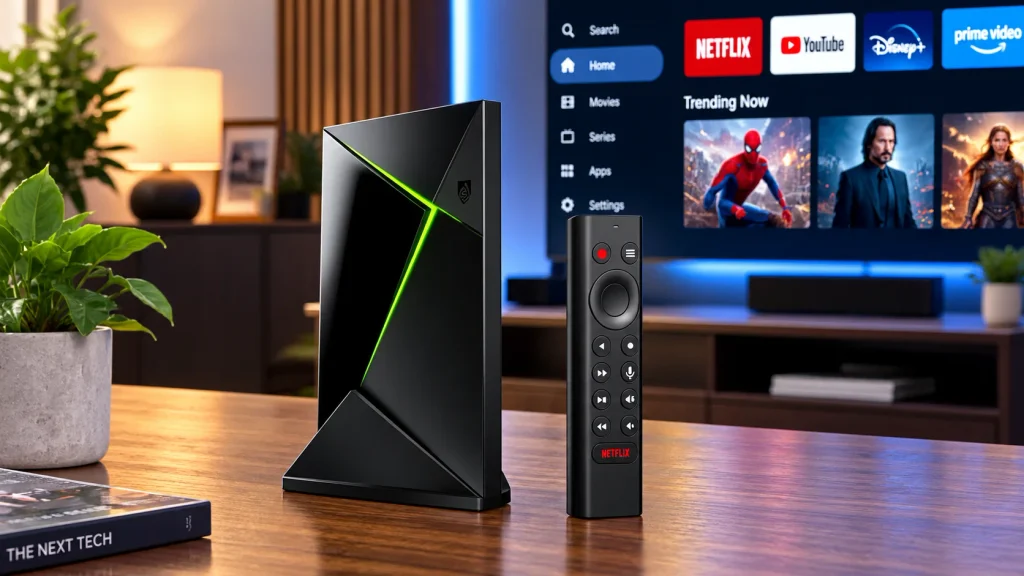
Its standout feature is AI-powered upscaling, which can improve the appearance of lower-resolution video on compatible 4K displays.
The Shield TV Pro also works as a Plex Media Server and includes two USB 3.0 ports. That makes it useful for people with local media libraries.
Why Choose It?
Choose the Shield TV Pro if you want IPTV and streaming alongside Plex, local media playback, cloud gaming, and more advanced home entertainment features.
Pros and Con
| Pros | Con |
| Fast and responsive | Overkill for basic streaming |
| Dolby Vision and Atmos | |
| Plex Media Server and USB expansion |
Price
$199.99 USD
4. Formuler Z12 Pro: Best New Formuler Box for Everyday Use
Key features
- Android 12
- MYTVOnline 4
- 2 GB RAM
- 16 GB storage
- 4K at 60 fps
- HDR10+
- AV1 decoding
- Gigabit Ethernet
- Dual-band Wi-Fi
The Formuler Z12 Pro is worth including in a 2026 guide because it is much newer than the Z8.
Formuler began selling the Z12 Pro in August 2026. It runs Android 12 and introduces the newer MYTVOnline 4 experience.
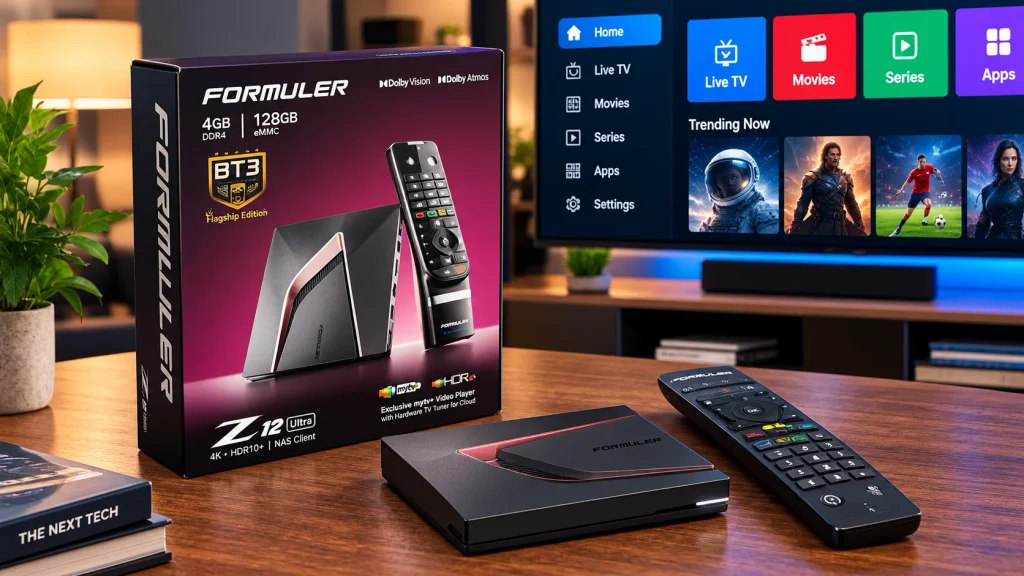
You get 2 GB RAM, 16 GB storage, Gigabit Ethernet, AV1 decoding, and 4K 60 fps playback with HDR10+.
Why Choose It?
Choose the Z12 Pro if you want a newer Formuler device and MYTVOnline 4 without moving to the company’s highest-end hardware.
Pros and Con
| Pros | Con |
| MYTVOnline 4 and Android 12 | Only 2 GB RAM |
| 4K HDR10+ | |
| AV1 support |
Price
$189.99 USD
5. Google TV Streamer 4K: Best for Google TV
Key features
- 4 GB RAM
- 32 GB storage
- 4K HDR at 60 fps
- Dolby Vision
- HDR10+
- Dolby Atmos
- Gigabit Ethernet
- Google TV interface
- Google Cast
- Matter and Thread support
Google ended production of Chromecast and replaced it with the more capable Google TV Streamer 4K.
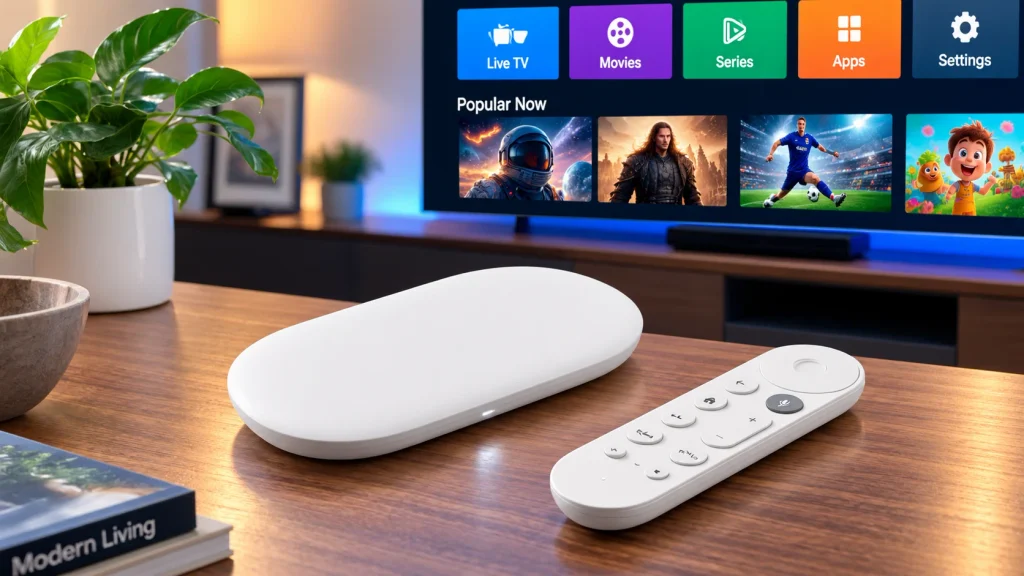
The new device has 4 GB of RAM and 32 GB of storage, compared with 2 GB of RAM and 8 GB of storage on Chromecast with Google TV 4K.
It also includes Gigabit Ethernet, which is useful when Wi-Fi becomes unstable during high-bitrate streaming.
Why Choose It?
Choose Google TV Streamer if you prefer Google’s TV interface and want mainstream streaming apps, casting, Ethernet, and more storage.
Pros and Con
| Pros | Con |
| Built-in Gigabit Ethernet | HDMI cable is sold separately |
| Dolby Vision and superb 4K streaming watching experience | |
| Smart home integration |
Price
$149.99
6. Fire TV Stick 4K Max: Best Compact IPTV Streaming Device
Key features
- Wi-Fi 6E
- 16 GB storage
- 2 GB RAM
- 4K at 60 fps
- AV1
- Dolby Vision
- HDR10+
- Dolby Atmos
- Alexa Voice Remote
The Fire TV Stick 4K Max 2nd Gen offers many features found on larger streaming boxes without taking up space beside your television.
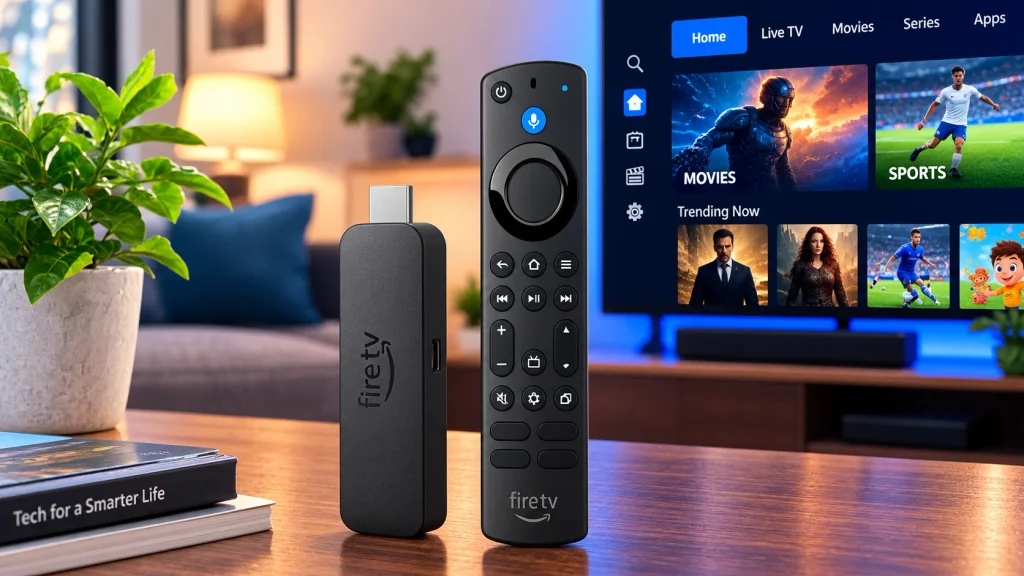
Amazon equips it with 16 GB of storage, 2 GB of RAM, Wi-Fi 6E, AV1 decoding, Dolby Vision, HDR10+, and 4K 60 fps support.
It is particularly useful for travel or TVs where you do not want another visible set-top box.
Why Choose It?
Choose the Fire TV Stick 4K Max if you want strong 4K streaming performance in a small and easy-to-use device.
Pros and Con
| Pros | Con |
| Compact and Wi-Fi 6E | No built-in Ethernet port |
| AV1 decoding | |
| Wide streaming app support |
Price
$60 to $63 USD
7. MECOOL KM7 Plus: Good Google TV Alternative
Key features
- Google TV
- 4K streaming
- AV1
- 2 GB DDR4 RAM
- 16 GB storage
- Google Assistant
- Chromecast built-in
- Netflix and Prime Video certification
The MECOOL KM7 Plus is a small Google TV box for users who want an Android-based streaming experience without buying a more expensive device.
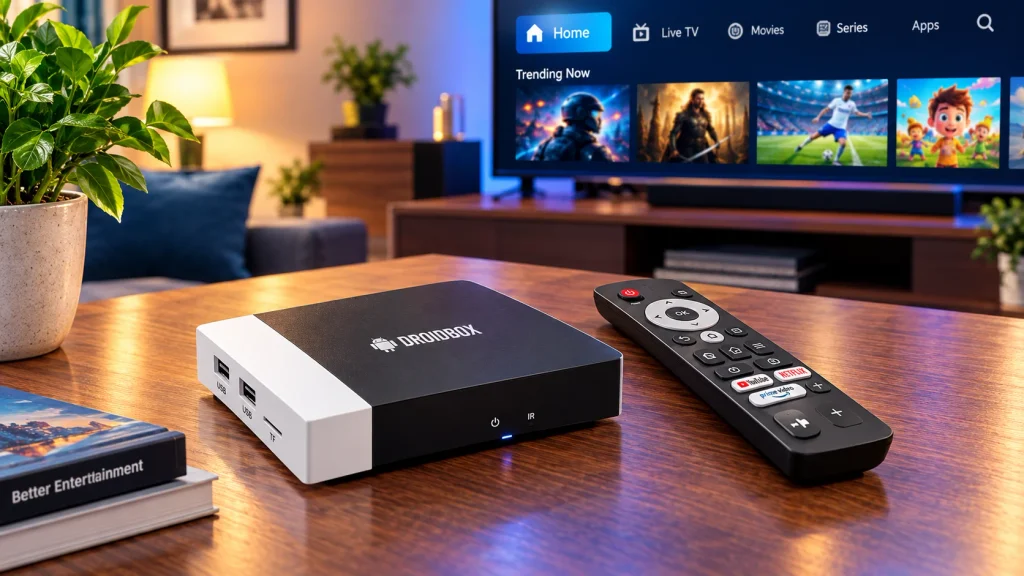
It includes 2 GB of RAM and 16 GB of eMMC storage and supports services such as Netflix, YouTube, Prime Video, and Disney+.
Why Choose It?
The KM7 Plus makes sense if you want a straightforward Google TV box with access to the Google Play Store and common streaming apps.
Pros and Con
| Pros | Con |
| Google TV and 4K support | Less powerful than high-end IPTV boxes |
| Chromecast built-in | |
| Small design |
Price
$125.99 USD
8. BuzzTV XR4000: Best for Budget-friendly Users
Key features
- BuzzTV 4 interface
- Live TV PVR
- Time shift
- Pause and rewind live TV
- Android 9
- 2 GB RAM
- 16 GB storage
- USB 3.0
- MicroSD slot
The BuzzTV XR4000 takes a more traditional IPTV approach.
Its BuzzTV 4 live TV app supports PVR and time shifting, including the ability to pause, rewind, and fast-forward compatible live television streams.
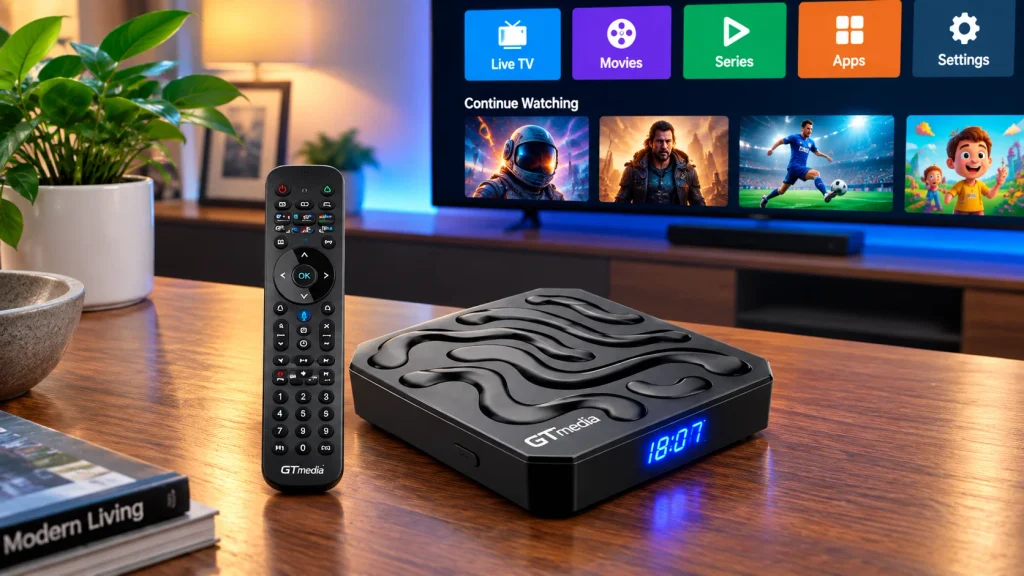
This makes it different from mainstream devices that focus primarily on Netflix-style streaming apps.
Why Choose It?
Choose the XR4000 if live television controls are more important to you than having the newest Android version.
Pros and Con
| Pros | Con |
| IPTV-focused interface | 100 Mbps Ethernet rather than Gigabit |
| Live TV time shift and USB 3.0 | |
| MicroSD expansion |
Price
$60 to $69 USD
9. MAG 524W3: Best Linux IPTV Set-Top Box
Key features
- Linux 4.9
- 4K support
- HEVC
- Quad-core ARM Cortex-A53
- 1 GB RAM
- 4 GB eMMC storage
- 2.4 GHz and 5 GHz Wi-Fi
- Two USB ports
The MAG 524W3 is different from Android streaming boxes.
It runs Linux and is designed more like a traditional IPTV set top box. It can work well in environments built around compatible portals, middleware, and IPTV operator systems.
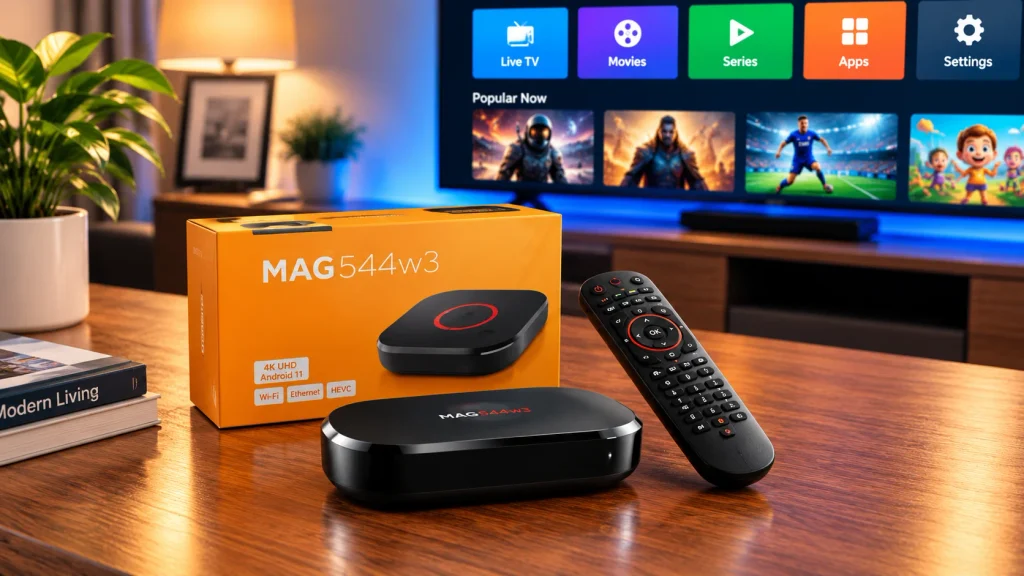
The W3 version includes dual-band Wi-Fi, while the hardware also supports 4K and HEVC video.
Why Choose It?
Choose the MAG 524W3 when your legitimate IPTV provider specifically supports MAG boxes or portal-based connections.
Pros and Con
| Pros | Con |
| Simple IPTV-focused design | Only 1 GB RAM |
| Dual-band Wi-Fi | |
| Linux platform |
Price
From $89.00 and $104.99
10. Roku Streaming Stick 4K: Best for Simple Streaming
Key features
- 4K
- Dolby Vision
- HDR10+
- Long-range Wi-Fi
- Roku Voice Remote
- Compact HDMI stick design
- Large mainstream streaming ecosystem
The Roku Streaming Stick 4K is better viewed as a general streaming device than a dedicated IPTV box.
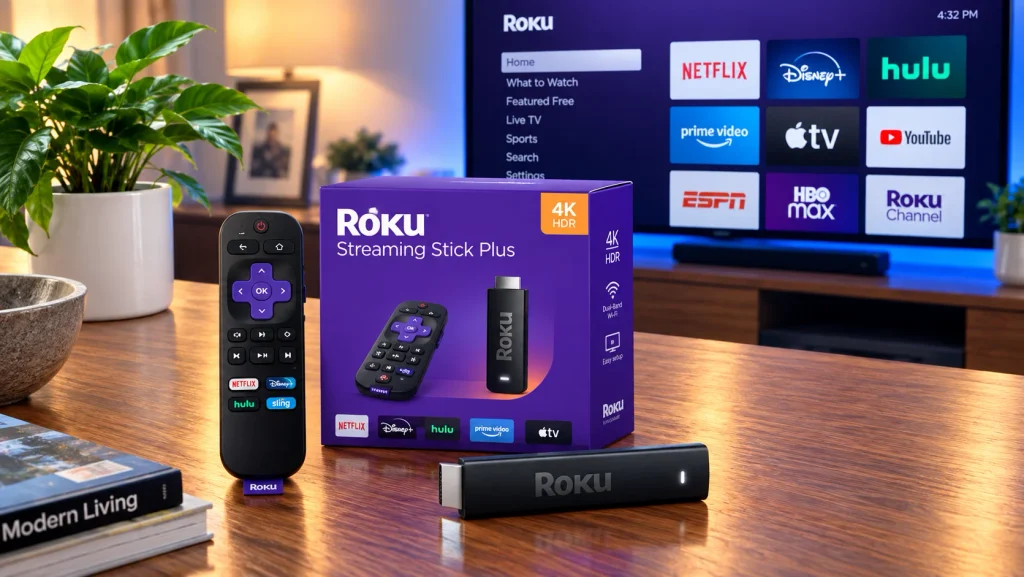
Its strength is simplicity. Plug it into your TV, connect to Wi-Fi, and install supported channels from Roku’s platform.
It supports 4K, Dolby Vision, and HDR10+.
Why Choose It?
Choose Roku if you mainly use mainstream streaming services and want a simple interface.
If your main goal is installing specialized IPTV apps or connecting to IPTV portals, Android, Fire TV, Formuler, BuzzTV, or MAG hardware may be more suitable. It is also one of the cheapest IPTV set top box available without compromising quality.
Pros and Con
| Pros | Con |
| Easy to use and 4K streaming | More restricted app ecosystem |
| Dolby Vision | |
| Good mainstream streaming support |
Price
$79.99
How to Choose the Right IPTV Box
Do not choose an IPTV box only because it has the highest specifications.
Start with how you actually plan to watch TV.
1. Check IPTV App Compatibility
Make sure your preferred legitimate IPTV service or player supports the device.
Android and Fire TV devices generally offer more flexibility than Roku. MAG and Formuler devices can be better for services built specifically around their TV interfaces.
2. Look for at Least 2 GB RAM
RAM affects how smoothly menus and apps work.
For normal streaming, 2 GB is a reasonable starting point. Devices with 4 GB can provide more room for multitasking and heavier applications.
3. Choose Enough Storage
8 GB can become restrictive after installing multiple apps.
For 2026, 16 GB or 32 GB gives you more flexibility.
4. Check 4K and Video Codec Support
If you own a 4K television, look for:
- 4K at 60 fps
- HEVC/H.265
- AV1
- HDR10 or HDR10+
- Dolby Vision where needed
Your TV and the content itself must also support these formats.
5. Consider Ethernet
Wi-Fi is convenient, but Ethernet can provide a more consistent connection.
Gigabit Ethernet is especially useful for large local media files, high-bitrate video, and busy home networks.
6. Check Wi-Fi Generation
Wi-Fi 6 and Wi-Fi 6E can offer better performance on compatible routers.
However, a good Wi-Fi 5 connection can still handle 4K streaming when signal strength and internet speed are sufficient.
7. Consider the Remote
A good remote makes a bigger difference than many buyers expect.
Voice search, TV power controls, programmable buttons, and easy channel navigation can improve everyday use.
IPTV Box Prices: How Much Should You Spend?
IPTV box prices vary widely depending on hardware and features.
Entry-level streaming sticks are usually the cheapest option. Mid-range Android or Google TV boxes add more storage and connectivity. High-end IPTV and media boxes cost more because they may include faster processors, extra RAM, Gigabit Ethernet, USB ports, PVR features, or specialized IPTV software.
If you search for the cheapest IPTV set top box, do not judge it by price alone.
Very cheap boxes may have limited RAM, old Android versions, poor Wi-Fi, weak software support, or uncertified streaming apps.
A slightly more expensive device can be a better long-term purchase if it receives software updates and supports the apps you actually use.
IPTV Box USA: What Should US Buyers Look For?
When choosing an IPTV box in the USA, check app availability, electrical compatibility, warranty support, and whether your streaming services officially support the device.
Fire TV, Roku, Google TV, and NVIDIA Shield have strong mainstream streaming ecosystems in the US.
For buyers specifically searching for an IPTV set top box USA, Formuler, BuzzTV, and compatible MAG devices provide more traditional IPTV-style interfaces.
The box itself does not include rights to television channels. You still need authorized services or subscriptions.
IPTV Box Canada: What Changes?
An IPTV box in Canada works in much the same way, but app availability and streaming rights can differ from the US.
Check whether the apps and services you want are available in Canada before buying.
Also compare Canadian pricing rather than converting US prices directly because retailer pricing, tax, availability, and warranties can differ.
Can You Get an IPTV Box With Indian Channels?
An IPTV box with Indian channels does not normally receive Indian television simply because of its hardware.
The channels come from the streaming service or app, not from the box itself.
For Hindi, Tamil, Telugu, Punjabi, Bengali, Malayalam, Kannada, or other regional content, first check which IPTV service provider carries the channels you want. Then confirm that its app works on your Fire TV, Android TV, Google TV, Roku, or other chosen device.
Should You Buy an IPTV Box on Amazon?
Searching for “IPTV box Amazon” returns many Android boxes, Fire TV devices, and other media players.
Before buying, check:
- Brand reputation
- RAM and storage
- Operating system version
- 4K support
- Ethernet
- Wi-Fi specification
- App compatibility
- Warranty
- Seller reputation
- Software update history
Avoid choosing a device only because the listing claims to provide thousands of free premium channels.
The hardware and the television service are two separate things.
What Does “IPTV Box Fully Loaded” Mean?
The term “IPTV box fully loaded” often refers to a streaming box sold with apps, add-ons, or channel access already configured.
Be careful with this term.
A box containing normal legal streaming apps is not automatically a problem. However, boxes advertised as “fully loaded” with unauthorized access to paid sports, movies, or subscription television can create copyright and security risks.
Buy the hardware based on its specifications and then use legitimate apps and services.
Why Fully Loaded IPTV Boxes With Lifetime Channels Can Pose a Big Risk
A “fully loaded” IPTV box usually comes with preinstalled apps and promises free channels for life. The low price can be tempting, but channels may disappear, sellers can shut down, and some apps or devices may create security risks.
What the FBI and FTC Warn About
In June 2025, the FBI warned about BADBOX 2.0, a botnet affecting some consumer streaming devices. The FTC also warns that illegal streaming apps can expose users to malware and stolen financial information.
Why Lifetime IPTV Can Fail
“Lifetime” does not guarantee that channels will work forever. IPTV services still need servers, bandwidth, maintenance, and support. If the provider disappears, your lifetime access can disappear with it.
There is also no guarantee of channel rights. A box may advertise hundreds or thousands of channels, but access can change when providers lose or remove content.
A Safer IPTV Setup
Buy a recognized streaming device, use apps from official stores, and choose an IPTV service with clear pricing and refund terms. You can also review this guide to lifetime IPTV offers before buying.
IPTV Box vs Firestick vs Smart TV: Which Is Right for You?
Choose an IPTV box if you want dedicated live TV controls, Ethernet, more ports, storage expansion, or IPTV-focused software.
Choose a Fire TV Stick if you want something inexpensive, compact, and easy to install.
Choose a Smart TV app when your television already performs well and supports everything you need. In that case, another streaming device may not be necessary.
A full-size streaming box usually provides more hardware options. A streaming stick wins on size and simplicity.
IPTV Box vs Streaming Box: Is There a Difference?
The terms overlap.
A streaming box is a broad category covering devices that deliver internet media to a television. NVIDIA Shield, Google TV Streamer, Fire TV Cube, and many Android TV boxes fit this description.
An IPTV box is more specifically associated with television delivered through Internet Protocol.
In practice, one device can do both.
The important question is not what the hardware is called. Check its operating system, supported apps, network connection, video formats, storage, and compatibility with your service.
Are IPTV Boxes Legal?
IPTV boxes themselves are generally legal devices. Their legality depends on how they are configured and what content is accessed.
A normal streaming box can be used for legitimate free and paid streaming services.
Problems arise when a device is modified or sold to provide unauthorized access to copyrighted television, movies, or subscription sports.
The UK Intellectual Property Office, for example, explains that streaming devices can be legal when used for legitimate content but become illicit when adapted to stream copyrighted paid content without authorization.
This distinction is important when you see an IPTV box fully loaded with promises of free paid channels.
Always check the laws in your country and use authorized streaming services.
Final Verdict: Which IPTV Box Should You Buy in 2026?
The right IPTV box depends on what you watch and how much control you need.
The Formuler Z11 Pro Max is a strong choice for dedicated IPTV viewing because of MYTVOnline 3, 4 GB RAM, 32 GB storage, Wi-Fi 6, and Gigabit Ethernet.
The Fire TV Cube 3rd Gen is better for users who want IPTV apps and mainstream streaming in one powerful device.
For power users, NVIDIA Shield TV Pro remains attractive for Plex, local media, AI upscaling, and home entertainment.
The newer Formuler Z12 Pro deserves attention in 2026 for introducing Android 12 and MYTVOnline 4, while the Fire TV Stick 4K Max is a practical option for buyers who want a smaller device.
Before buying any box, check app compatibility, storage capacity, Ethernet or Wi-Fi support, 4K support, software updates, and whether your streaming service legally provides the content you want.
FAQs on the Top IPTV Streaming Boxes
What is the best IPTV box for 2026?
The Formuler Z11 Pro Max is a strong dedicated IPTV option, offering MYTVOnline 3, 4GB RAM, 32GB storage, Wi-Fi 6, Gigabit Ethernet, and 4K HDR. The Fire TV Cube is better suited to users who also prioritize mainstream streaming apps.
What is the cheapest IPTV set top box?
Budget-friendly IPTV options include the onn. 4K Google TV Streaming Box at around $30, while basic Android/Linux TV sticks typically start at $15–$25.
Is an IPTV box the same as a streaming box?
Not entirely. A streaming box is a broad term for hardware that streams internet content to a TV. An IPTV box focuses specifically on internet-delivered television, although many modern devices can handle both tasks.
Do IPTV boxes come with channels?
Usually, no. An IPTV box is hardware. Channels and content come from the apps and legitimate services you connect to it.
Can I use an IPTV box in the USA?
Yes. IPTV and streaming boxes can be used in the USA. Check that the device, apps, and streaming services you plan to use are supported in your region.
Can I watch Indian channels on an IPTV box?
Yes, if a legitimate streaming or IPTV service offers those Indian channels and supports your device. The box itself does not create or provide the channels.
Is a fully loaded IPTV box legal?
The phrase “fully loaded” does not determine legality by itself. A device configured to access authorized apps and content can be used legally. A box modified to provide unauthorized access to copyrighted paid content can violate copyright law.
Is Ethernet better than Wi-Fi for IPTV?
Ethernet can provide a more stable connection because it avoids wireless interference. Good Wi-Fi can also work well, especially when the router is close to the streaming device.
Which Formuler box is best for IPTV?
The Formuler Z11 Pro Max is a top choice for IPTV, with MYTVOnline 3, 4K HDR, Wi-Fi 6, and Gigabit Ethernet.
What device is better than a Fire Stick?
Devices like the onn. 4K Pro and Formuler Z11 Pro Max offer stronger hardware or dedicated IPTV features than a standard Fire TV Stick.
Does Formuler require a subscription?
No. Formuler devices don’t require a subscription, but you need a separate IPTV service or streaming subscription to access content.
Can I use a VPN with my IPTV box?
Yes. If the device supports VPN apps, you can use a VPN with your IPTV box to improve privacy and secure your internet connection.