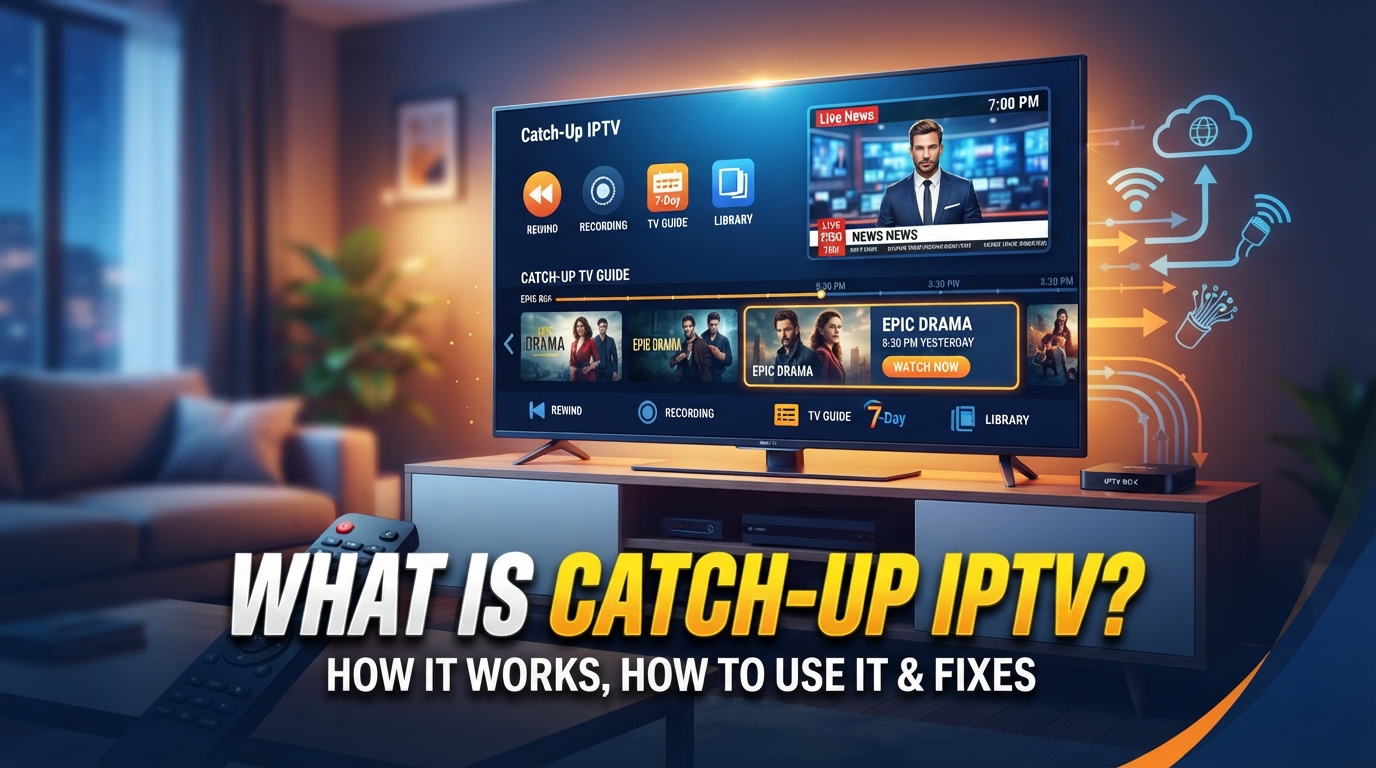
Catch-up IPTV lets you watch eligible TV programs after they have already aired. Instead of watching a program at its scheduled time, you can open your IPTV player’s EPG (Electronic Program Guide), move to an earlier program, and replay it if catch-up is supported.
Catch-up is usually provided through the IPTV service or broadcaster, not created by the IPTV player itself. The available programs, replay period, and supported channels depend on the service, channel, content rights, and archive settings.
| Key Takeaways Catch-up IPTV lets you replay supported programs that have already aired. Most IPTV players provide catch-up through the EPG or TV guide. The provider or broadcaster must make the previous broadcast available. Catch-up does not work on every channel or every program. The available replay period varies by service, channel, content, and rights. You normally do not need to record the program yourself. An incorrect EPG can cause missing or incorrect catch-up listings. Catch-up, VOD, timeshift, restart TV, and DVR are related but different features. |
What is Catch-up TV?
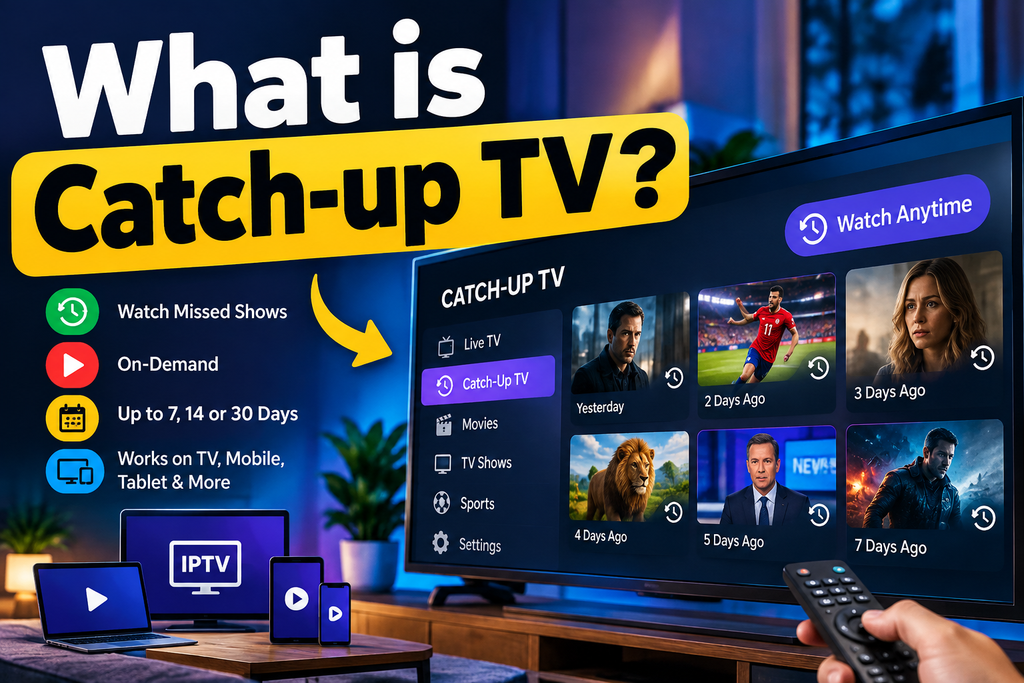
Catch-up IPTV is a feature that lets you watch a previously aired TV program after its original broadcast time.
For example, suppose a program airs at 8:00 PM and you miss it. If your IPTV service supports catch-up for that channel, you can open the EPG later, find the 8:00 PM listing, and select it to replay the program.
The process usually looks like this:
Live broadcast → provider archive → EPG listing → replay
Catch-up is therefore different from simply having a live TV stream. A channel can work perfectly for live viewing while offering no replay for its previous programs.
Is Catch-Up IPTV the Same as Recording?
No.
With a traditional DVR, you normally choose a program and schedule a recording before it airs. Catch-up usually works differently: the provider or broadcaster has already made eligible broadcasts available for replay.
That means you can often watch a missed program without setting up a personal recording first.
How Does Catch-Up Work on IPTV?
Catch-up usually works through four parts:
- Live channel: A program is broadcast normally.
- Provider archive: The provider or broadcaster stores the broadcast for a limited period.
- EPG data: The electronic program guide identifies the program, channel, and broadcast time.
- IPTV player: The player lets you select the past program and requests the available recording.
A Simple Example
Imagine a news program aired from 7:00 PM to 8:00 PM.
At 9:00 PM:
- You open the IPTV EPG.
- You move back to the 7:00 PM listing.
- The listing shows a replay or catch-up option.
- You select it.
- The player requests the archived stream.
- The program starts from the available point.
If the provider has not archived that program, the replay option will not appear or playback will fail.
Why Does Catch-Up Depend on the EPG?
The EPG is more than a TV schedule when catch-up is involved.
It connects the program name, channel, date, and broadcast time with the available replay content.
If the EPG is incorrect, several problems can occur:
- The catch-up option may not appear.
- The wrong program may open.
- The program may start at the wrong time.
- Previous programs may appear unavailable.
- The player may show an incorrect channel schedule.
This is why refreshing or correcting the EPG can sometimes solve a catch-up problem.
Catch-Up IPTV vs VOD, Timeshift & Recording
These features can look similar, but they work differently.
| Feature | What it does |
| Catch-up IPTV | Replays a program that already aired |
| VOD | Provides a separate library of movies and shows |
| Timeshift | Lets you pause or rewind a live program |
| DVR/Recording | Saves a selected program for later viewing |
The easiest distinction is this:
Catch-up follows the TV schedule, while VOD follows a content library.
Catch-up is normally accessed through a past entry in the EPG. VOD is usually organized by titles, categories, or genres.
Timeshift is closer to live playback. It typically lets you pause or rewind the program you’re currently watching, rather than browse a multi-day archive.
How to Use Catch-Up in IPTV
The exact steps depend on your IPTV service and player, but the general process is simple.
Step 1: Open the IPTV Guide
Launch your IPTV player and open Live TV, EPG, TV Guide, or Program Guide.
Step 2: Find a Past Program
Move backward through the guide to an earlier time or date.
Step 3: Check for Catch-Up
Look for a play, replay, clock, archive, or catch-up icon. The label varies between IPTV players.
Step 4: Select the Program
Choose the program you want to watch.
Step 5: Start Playback
Select Play, Watch, Replay, or a similar option.
If the program is available, playback should start from the archived broadcast rather than the live stream.
Important: If there is no replay option, the channel or program may not support catch-up. Changing the player usually cannot create an archive that the provider does not supply.
How Long Does IPTV Catch-Up Last?
There is no universal catch-up period.
Some services may keep programs for a short period, while others provide several days or longer. The retention period can also vary between channels.
For that reason, don’t assume that a program will remain available for a specific number of days just because another IPTV service offers that period.
The important factors are:
Provider + channel + program + retention window + rights
Established catch-up platforms also use defined availability windows rather than treating every program as permanently available. For example, BBC documentation describes catch-up availability as time-limited and notes that rights can affect availability.
Does Catch-Up IPTV Use Your Device Storage?
Usually, you do not need to manually download or record the program to your device.
The replay content is generally made available by the service or broadcaster and streamed to your IPTV player when you select it.
Your device therefore acts primarily as the playback interface rather than the location where the complete catch-up archive is stored.
The exact architecture can vary between services.
Does Catch-Up IPTV Work Without an EPG?
It depends on how the service exposes its catch-up feature.
For most users, the EPG is the easiest way to find previous programs because it provides the schedule and program information needed to select a replay.
Some services or players may expose archived content differently, but if the catch-up function depends on EPG data, an incorrect or missing guide can prevent you from finding the replay.
How Catch-Up IPTV Works With Xtream-Based Services
Some IPTV services use systems based on Xtream Codes-style APIs.
In those setups, catch-up information can be associated with channel and program data, including archive-related settings.
You may encounter terms such as:
tv_archivetv_archive_duration- Catch-up
- Archive
- Replay
The exact implementation depends on the IPTV service and player.
You do not normally need to understand these technical fields to use catch-up. They become more useful when diagnosing why a compatible player can display live channels but cannot access archived programs.
Benefits of Catch-Up in IPTV
Catch-up can make live TV more flexible because you do not always have to be available when a program starts.
Watch missed programs
If you miss a show, news program, sports event, or other broadcast, you may be able to replay it later.
No recording setup
Unlike a personal DVR, you usually do not need to schedule a recording beforehand. The provider has already made the supported broadcast available.
Start from the beginning
If you join a program late and catch-up supports it, you can select the earlier listing and start from the beginning.
Easier viewing around your schedule
You can watch eligible programs when it suits you instead of following the original broadcast time.
Useful for live TV
Catch-up keeps the normal live-channel experience while adding a limited replay window.
Why Is Catch-Up Not Available on Every Channel?
Catch-up is often channel-specific.
A provider may offer replay for some channels but not others. The available archive can also vary by program and date.
Common reasons include:
- The channel does not support catch-up.
- The program is outside the available catch-up window.
- The provider does not archive that particular broadcast.
- The EPG data is missing or incorrectly matched.
- Your IPTV player does not support the provider’s catch-up method.
- Content or distribution rights limit replay availability.
This means that a working live channel does not automatically make its past programs available.
Catch-Up IPTV Not Working? Common Fixes
If catch-up works for some channels but not others, the problem may be with the source rather than your device.
| Problem | What to Check |
| No catch-up option | Check whether the channel supports catch-up |
| Past programs are missing | Check the available archive window |
| Wrong program opens | Check EPG channel mapping and time zone |
| EPG shows programs but they won’t play | The provider may not expose replay for that content |
| Catch-up keeps buffering | Check your connection and player playback settings |
| EPG is incorrect | Refresh the guide and check the EPG source |
| Catch-up does not appear at all | Confirm that your IPTV player supports the feature |
Quick Troubleshooting Steps
- Refresh the EPG.
- Check the device’s date and time zone.
- Try another catch-up-enabled channel.
- Restart the IPTV player.
- Check whether the provider supports catch-up.
- Test the same program on a supported player if available.
If live TV works but no past program can be played, check the provider’s catch-up support before changing network settings.
Does Catch-Up IPTV Work on Firestick, Android TV and Smart TVs?
Catch-up can work on many devices if both the IPTV service and player support the required feature.
Common platforms include:
- Amazon Fire TV/Firestick
- Android TV
- Google TV
- Smart TVs
- IPTV set-top boxes
- Smartphones
- Tablets
- Windows PCs
- Mac computers
The important point is that device compatibility alone does not guarantee catch-up support.
The IPTV service must provide the archived content, and the player must be able to access that archive
What Makes a Good Catch-Up IPTV Experience?
A useful catch-up system should make past programs easy to find and play.
Look for:
- Accurate EPG schedules
- Clear catch-up indicators
- Reliable program matching
- A useful replay window
- Easy navigation through previous dates
- Stable playback
- Support across your preferred devices
The EPG and catch-up feature should work together. A guide with accurate program times makes it much easier to find the exact broadcast you want to replay.
Conclusion
Catch-up IPTV lets you replay eligible live TV programs after they have aired, usually through the EPG. It can save you from missing a show, sports event, or news program without requiring you to schedule a recording.
The feature depends on the IPTV provider, channel, EPG data, IPTV player, retention period, and available rights. If catch-up is unavailable for a particular channel, an IPTV player generally cannot add it on its own.
For the best experience, use a service and player that provide accurate EPG data, clear replay options, reliable playback, and a suitable catch-up window.
Frequently Asked Questions
1. What is catch-up IPTV?
Catch-up IPTV lets you watch eligible programs after they have already aired on a live TV channel. You normally access them through the IPTV guide.
2. Is catch-up IPTV the same as VOD?
No. Catch-up replays previously broadcast programs, usually through the EPG. VOD is a separate library of on-demand content.
3. Do I need to record a program to use catch-up?
No. When supported, the provider or broadcaster has already stored the broadcast. You simply select the program from the guide.
4. Does every IPTV channel have catch-up?
No. Catch-up availability can vary by channel, program, provider, retention period, and content rights.
5. How do I find catch-up programs?
Open the IPTV player’s EPG or TV Guide and move back to an earlier program. A replay, clock, archive, or play indicator may show that catch-up is available.
6. Why does IPTV catch-up show the wrong program?
Incorrect EPG data, channel mapping, or time-zone settings can cause the player to request the wrong program.
7. Can I use catch-up without an EPG?
Usually, catch-up is much easier to access through an EPG because the guide provides the program and time information needed to select the archived broadcast. Some systems may expose replay through other interfaces.
8. What is the difference between catch-up and timeshift?
Catch-up normally lets you replay an earlier broadcast from a stored archive. Timeshift generally refers to pausing or rewinding live TV.
9. Does catch-up IPTV use storage on my device?
Usually, the archived program is stored on the provider’s or broadcaster’s system rather than your IPTV device. Your player streams the available replay.
10. Why does catch-up work on one channel but not another?
Catch-up is commonly enabled on a channel-by-channel basis. The second channel may not be archived, may have a shorter retention period, or may not expose its replay data to your player
11. Which IPTV provider offers Catch Up TV?
MOM IPTV, IPTV Kind, Propack IPTV, Twit IPTV, and many other IPTV service providers offer this intuitive feature. The time span is 24 hours to 7 days.
12. Is catch-up TV free to use?
Yes, many broadcasters and streaming platforms offer catch-up TV at no extra cost, although availability depends on the service, country, program, and content rights.