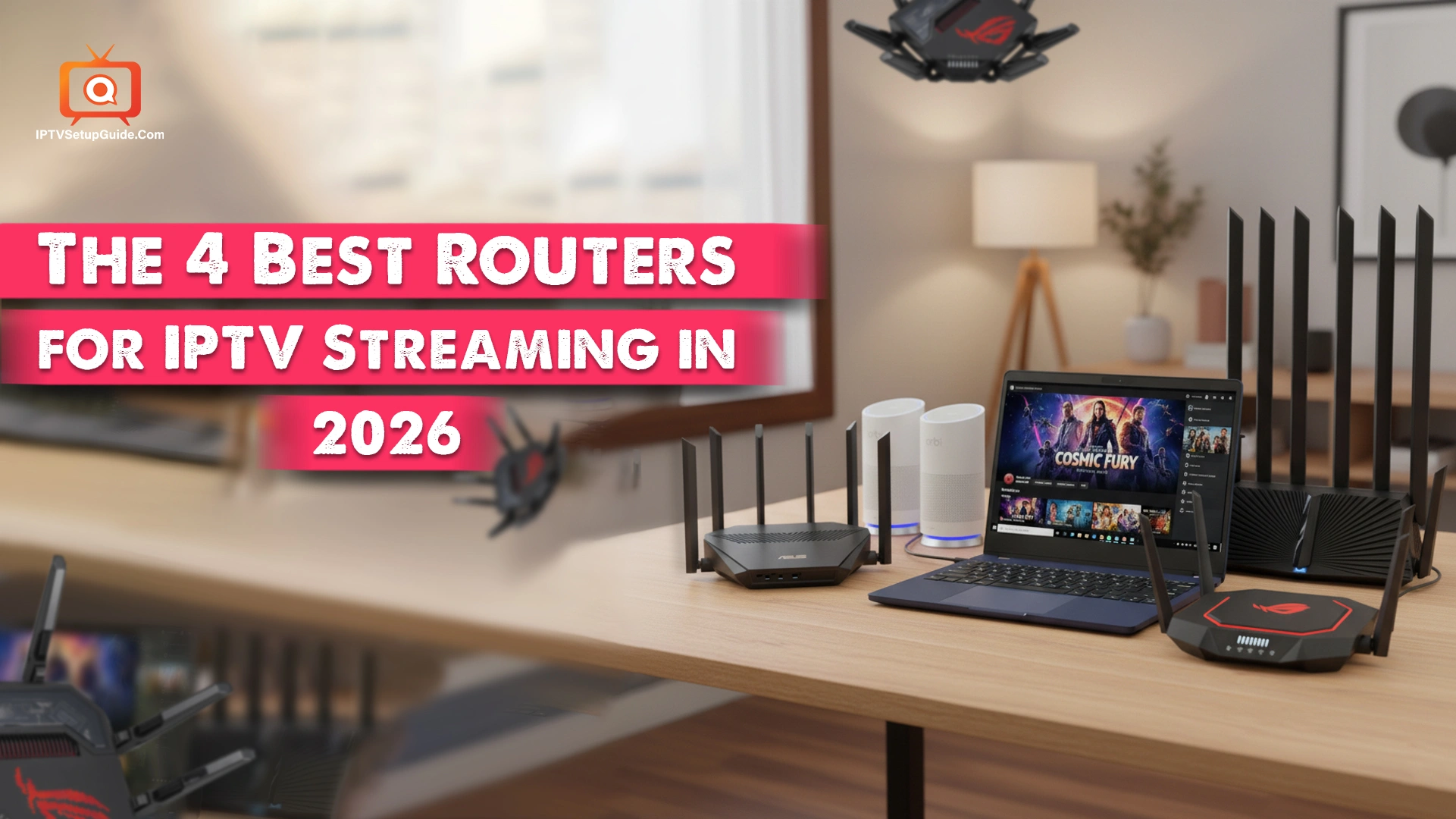
The use of IPTV is increasing day by day as people abandon bulky cables and satellite dishes. But sometimes IPTV streaming can experience buffering, channel lag, or dropouts, and the problem might not be IPTV itself but the router you’re using. Yes, your router could be the reason Internet TV can’t offer seamless streaming.
This is why you need a top-class router to ensure flawless streaming TV broadcasting. With so many routers on the market, it’s hard to determine which offers the best service. To make things easier for you, I’ve tested and enlisted 4 Internet boxes that can offer the best streaming experience to you.
After checking 14 routers, I concluded that certain WLAN devices offer stable throughput, low latency, multicast support, and intelligent traffic prioritization.
In this discussion, I’ll highlight the 4 best routers for IPTV streaming in 2026: TP-Link Archer AX90, ASUS RT-AX88U Pro, Netgear Orbi RBK752, and ASUS GT-BE98 Pro. I can assure you’ll achieve crystal-clear 4K streaming and smooth content delivery during peak hours with these internet boxes.
Let’s go through:
My Choice: Which Router is the Best for IPTV Streaming?
After my assessment, I can say that TP-Link Archer AX90 is the best router, undoubtedly thanks to its maximum flexibility and wide coverage. All you need is to choose the best IPTV service provider and a top-notch internet connection, and it can take care of the rest.
My Testing Method Before Choosing the Routers
Before choosing a router, I’ve tested them on Wi-Fi 6 and 7, as both of them are compatible with smartphones, PCs, tablets, and laptops. Moreover, Wi-Fi 6 and 7 are also the latest versions of wireless connectivity. They offer higher speeds, much lower latency, and greater device capacity.
Moreover, I checked whether the WLAN device can withstand the increasing number of mesh networking systems and offer the highest security, especially with features like free malware protection.
During the test, I test router speeds by setting each one up in our office and connecting it to a local test server. Using our own server lets us avoid inconsistent results caused by internet traffic.
I send data between the router and our wireless devices several times to see how the Wi-Fi performs in real-life use. Here’s the overall procedure –
Wi-Fi client → router → local wired server → router → Wi-Fi client
The 4 Best Routers for Stable Streaming
- Best Overall: TP-Link Archer AX90
- Best for Livestreaming: ASUS RT-AX88U Pro
- Best Mesh Router for IPTV: Netgear Orbi RBK752
- Best for Security: ASUS GT-BE98 Pro
Quick Comparison Table of the Top Wireless Routers for IPTV Streaming
| Router | Wi-Fi Standard | Bands | Multi-Gig Ports | Price |
|---|---|---|---|---|
| TP-Link Archer AX90 | Wi-Fi 6 | Tri-Band | Yes (up to 2.5 Gb) | $290 – $350 |
| ASUS RT-AX88U Pro | Wi-Fi 6 | Dual-Band | Yes (dual 2.5 Gb) | $280 – $390 |
| Netgear Orbi RBK752 | Wi-Fi 6 Mesh | Tri-Band Mesh | Gigabit | $299 – $480 |
| ASUS GT-BE98 Pro | Wi-Fi 7 | Quad-Band | Yes (10 Gb + 2.5 Gb) | $619 – $699 |
Find out the Best Routers for IPTV Streaming:
1. Best Overall: TP-Link Archer AX90
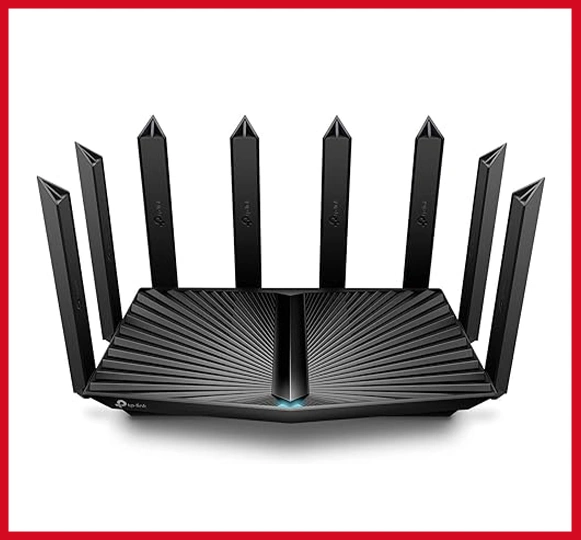
TP-Link Archer AX90 is undoubtedly the best router on the market, thanks to its superb speed, built-in VPN server, wide coverage, and WPA3 Wi-Fi encryption, which offers the utmost security.
It passed all the streaming tests successfully. The setup procedure is easy and takes very little time to connect to the Wi-Fi network. Further, it includes a built-in VPN, while OFDMA and MU-MIMO support multiple devices.
| Pros | Con |
|---|---|
| Superb fast speed of Wi-Fi 6. | Subscription-based Avira antivirus. |
| Seamlessly functions with all types of internet providers. | |
| Provides coverage around 2700 square feet. | |
| 2700 square feet. |
Why is it recommendable?
It shines brightest for its magnificent range and bullet-train-like speed. You can also set a mesh network with compatible routers and range extenders.
2. ASUS RT-AX88U Pro – Best for Livestreaming
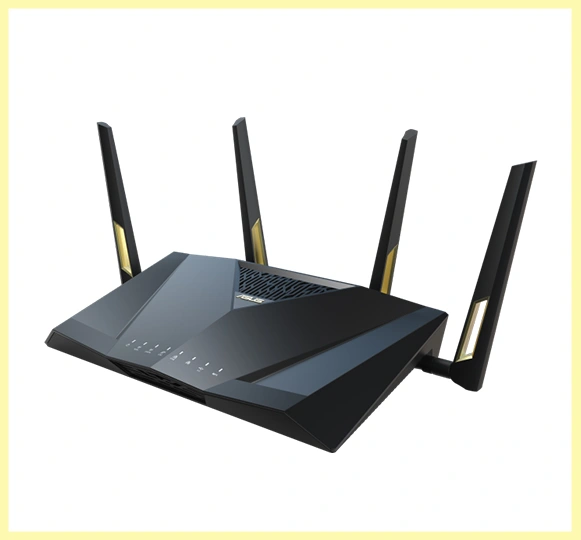
ASUS RT-AX88U Pro is such a great internet hub for power users. There are around 4 data ports and 50+ data streams to deliver the best possible speed to users. If you use an Intel laptop or PC, this Wi-Fi box could be perfect for you, as it meets Intel’s strict requirements.
It also supports WPA3 security protocols that provide strong encryption, making it ideal for governmental institutions. The setup process is straightforward, while its multi-gig internet support is something a user just can’t ignore.
| Pros | Con |
|---|---|
| Provides expanded coverage. | Uses a USB 3.2 port. |
| Provides up to 4,800Mbps speed. | |
| Multi-gig internet compatibility. |
Why is it recommendable?
It has a superb range and speeds I’ve tested till now. The design, outstanding design, and security protocols – everything is pinch-perfect.
3. Netgear Orbi RBK752 – Best Mesh Router
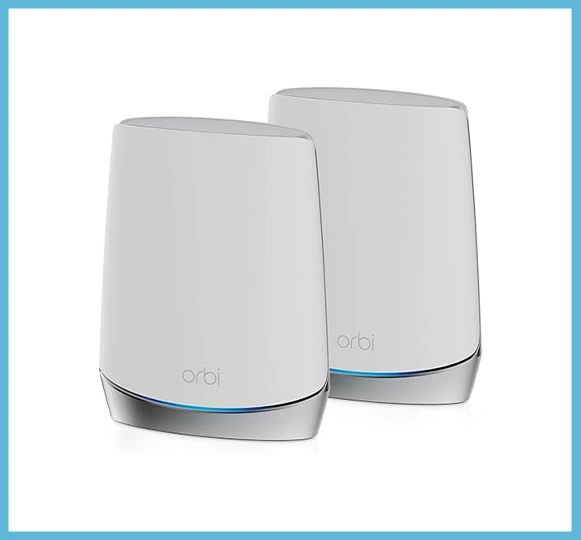
Are you suffering to enjoy Internet Protocol Service streaming despite having the best IPTV service provider(s) due to consistent streaming drop? If so, you need a mesh Wi-Fi system that can easily cover your large abode. In that case, Netgear Orbi RBK752 could be impactful.
It can cover ~5,000 sq ft while significantly reducing dead zones and maintaining strong connections in the entire place.
| Pros | Con |
|---|---|
| Superb coverage in a larger area. | Subscription-locked features. |
| Reduce buffering significantly. | |
| Strong multi-device performance. |
Why is it recommendable?
It offers robust signal consistency and can handle multiple IPTV rooms, so user(s) who needs top-notch signal in bigger places should go after it.
4. ASUS GT-BE98 Pro – Top-notch Security Protocols
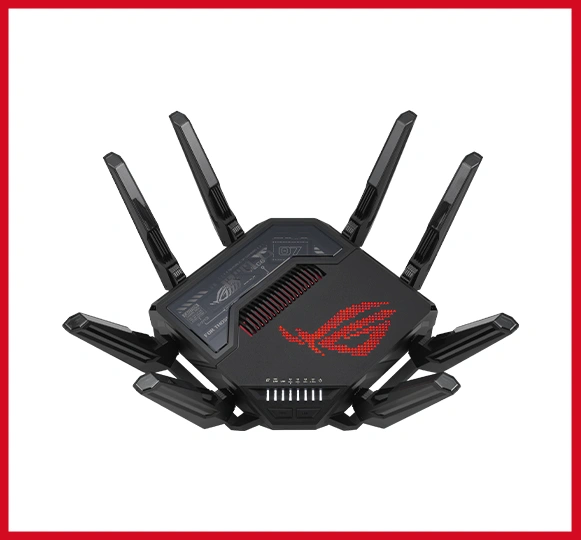
It’s another highly sophisticated router I’ve tested, with a new 320MHz channel, 6 GHz band, and 4096-QAM. It is feature-packed and superb as a gaming tool. It can reach speeds of up to 30 Gbps and deliver solid speed 250 feet away. If you want to enjoy 4K and 8K streaming seamlessly through your Internet TV provider, it could be a very good option.
The best thing about this Wi-Fi box is its triple-level protection design and commercial-grade cloud database. Hence, it can successfully repel even the most dangerous cybersecurity threats. With this one at your disposal, the penetration through your network is almost impossible.
| Pros | Con |
|---|---|
| Robust security and reliability. | Hefty price. |
| WiFi 7. | |
| Fast, Easy to function, strong signal quality |
Why is it recommendable?
ASUS GT-BE98 Pro is an excellent router for streaming, hands down. It offers superb speed, superior features, and more. If you’re a heavy user and a gamer, you can select it without thinking.
How to Optimize Your Router for IPTV?
- Enable IGMP Snooping that can prevent multicast flooding.
- Enable QoS and prioritize IPTV devices.
- Use Ethernet where possible, especially for main IPTV boxes.
- Choose the right Wi-Fi band: 5 GHz or 6 GHz over 2.4 GHz.
- Keep firmware updated for the highest stability.
A Few IPTV Problems (and Router Solutions)
| Problem | Probably Reason | Fix |
|---|---|---|
| Buffering | Congestion | QoS |
| Freezing | Multicast issues | IGMP |
| Lag | Weak Wi-Fi | Wi-Fi 6/7 |
| Pixelation | Packet loss | Wired connection |
Best Router by IPTV Use Case
- Apartment / 1 IPTV box: TP-Link Archer AX90
- Power Users: ASUS RT-AX88U Proi
- Heavy users: Netgear Orbi RBK752
- Wide Coverage: ASUS GT-BE98 Pro
this is one of the best article i have came across for very long time, i enjoy reading your article, you really have put on a lot of effort and work.
i never came across a well indepth article like this, this is the second time i am reading it, i really enjoy it, thanx for the great work, i appreciate it.
Thank you for this article, keep up the good work